Installation or license request
The installer link is sent after review. Starter needs no key. Trial and paid usage keys are issued separately after the Machine ID and requested scope are confirmed.
Before contacting Support, validate and save the current .modbussim project with its System design and Plant Test scenario. Send that project, the report, and the communication context required to reproduce the result.
Choose the path that matches the current question.
The installer link is sent after review. Starter needs no key. Trial and paid usage keys are issued separately after the Machine ID and requested scope are confirmed.
Use Documentation first, then email the exact scenario and evidence if the problem remains.
Follow this order so Support can rebuild the same compressor system, run the Plant Test stored in the project, and compare the same result.
These answers connect directly to the permanent guides.
Confirm installation, the selected compressor and connection settings. Starter runs without activation; a key is needed only for the agreed paid usage or Engineering trial.
Verify IP address, port, Unit ID, point map, and live values in Quick Start.
Verify COM port, baud rate, parity, address, point map, and wiring path.
Use the compressor family and model specified by the engineering data.
Use it for realistic, repeatable engineering validation with the selected compressor model.
Review units, signal mapping, coverage, trends, and approved operating regions.
Start it after I/O modules and compressors are selected and communication is live.
Review and activate the intended System, then run the Plant Test stored in the same project and inspect its measurable criteria and evidence.
Yes. Use an isolated or loopback virtual adapter to bridge external PLC or controller modules to the configured Modbus TCP endpoints, and record its endpoint, Unit ID, and map.
Plant Test uses the active System and shared design from the current .modbussim project. Activate the intended project, review any changed design reference, and run preflight again.
Include the version, final .modbussim project, endpoint and map, expected result, actual result, reproduction steps, report, and evidence bundle.
Use the published video cards below together with the related written guides.
Open License → What you can do with this license. Green Permitted badges identify available actions; amber Engineering required badges identify authoring actions. You can load prepared .modbussim projects, copy and run them, execute saved tests and export evidence. System design and test-scenario editing are read-only.
Yes. Copy prepared project preserves the source file unchanged. Save tested project adds completed test evidence to unchanged tested preparation. Saving a new system or changed preparation requires Engineering.
Published YouTube thumbnails keep their current logo. Planned topics use copies of the related application screenshots so a YouTube icon can be added later without changing pictures on other pages.
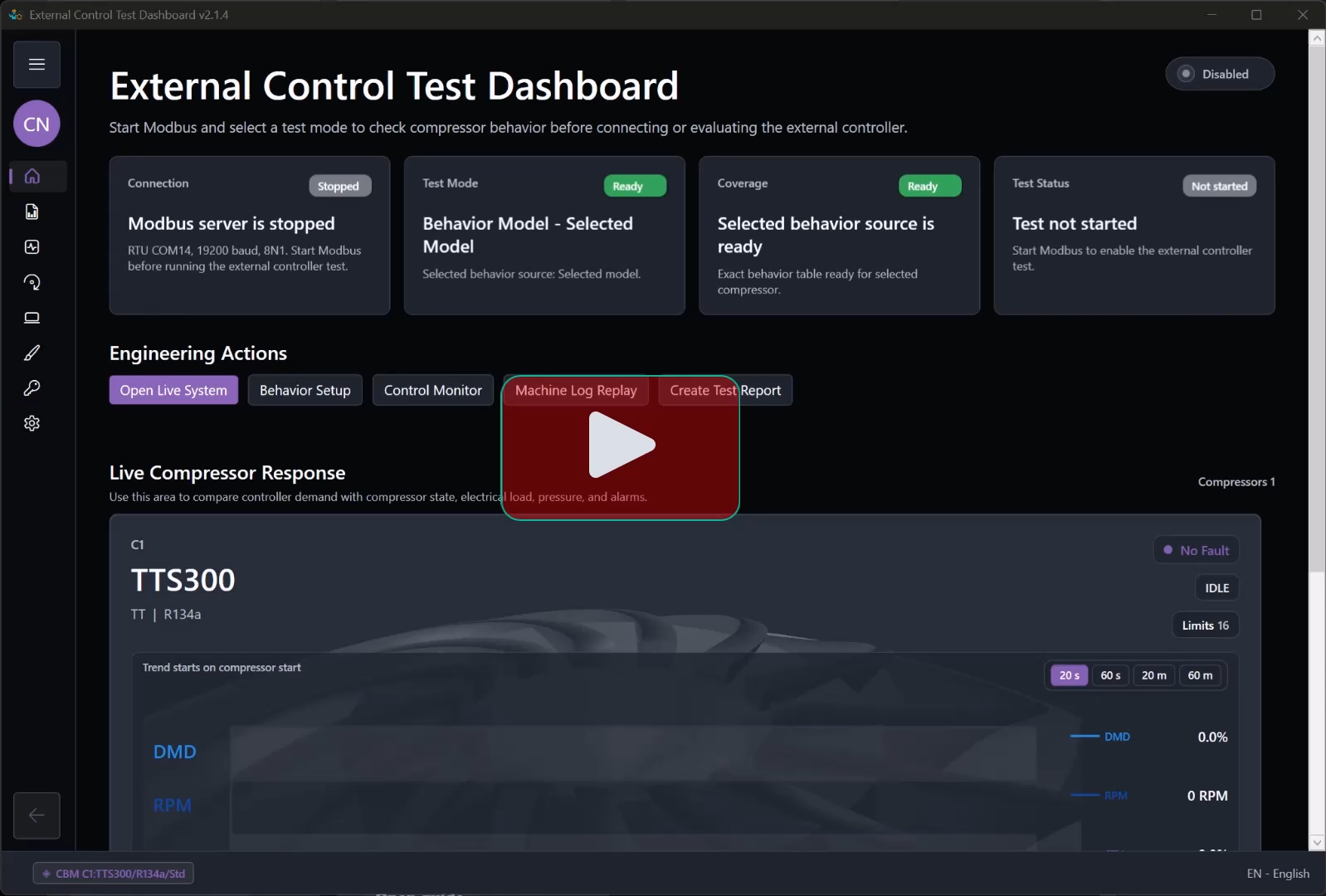 Published
Request the Windows installer, install it, and open ModbusSim in permanent Starter with all tools. Activate a key only for a paid usage license or the optional Engineering trial.
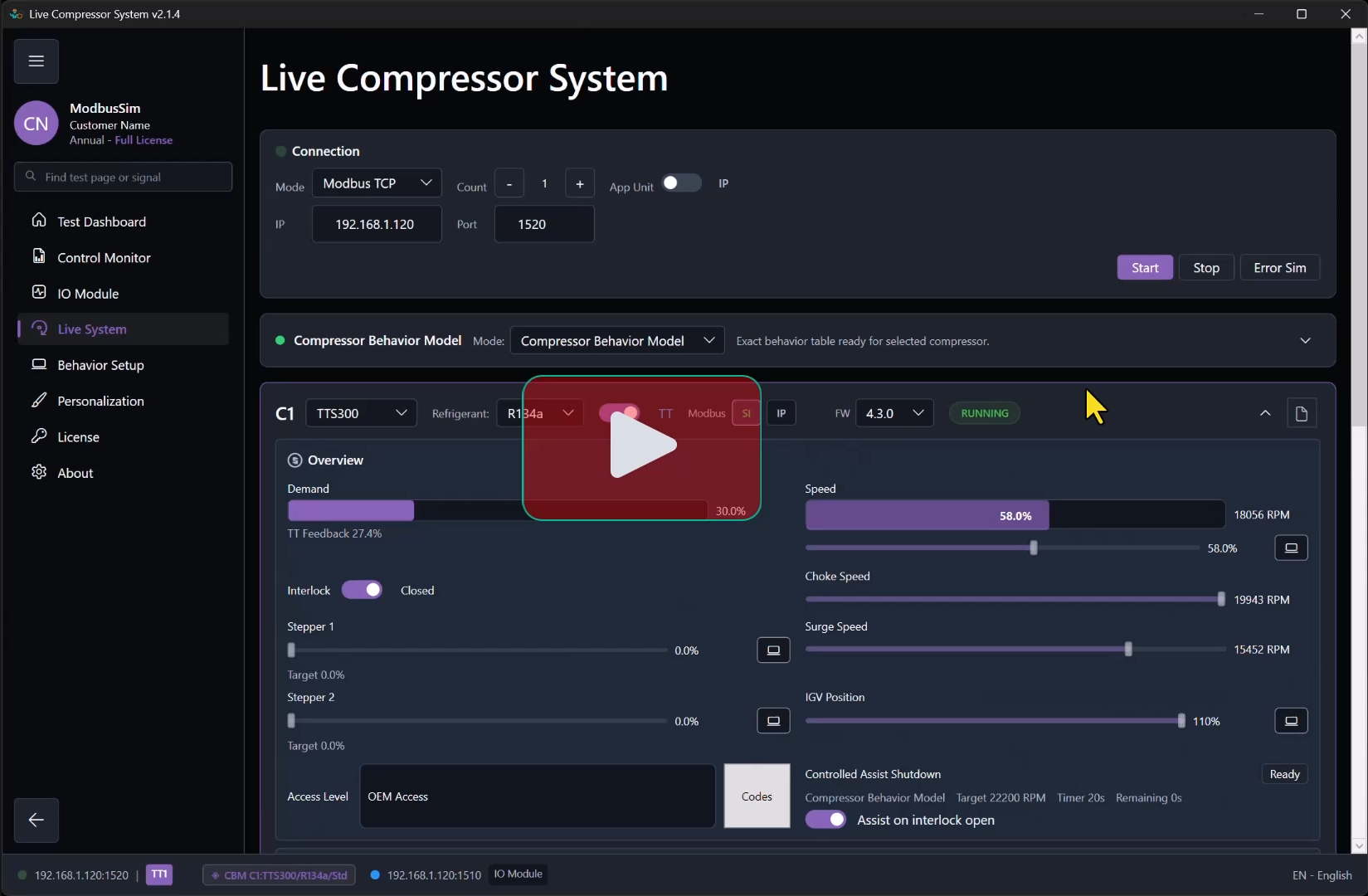 Published
Configure TCP and confirm the first live connection.
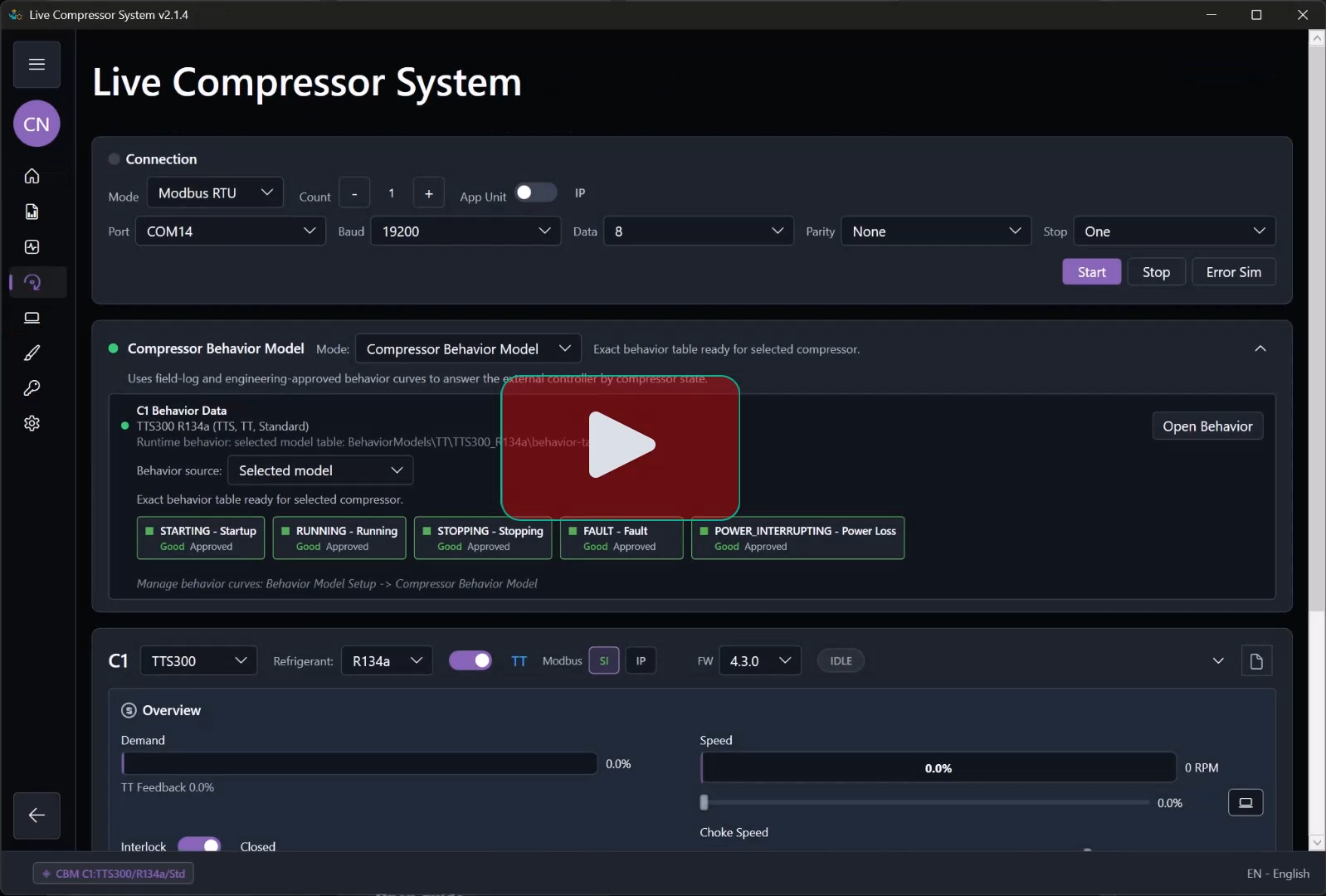 Published
Configure RTU and confirm serial communication.
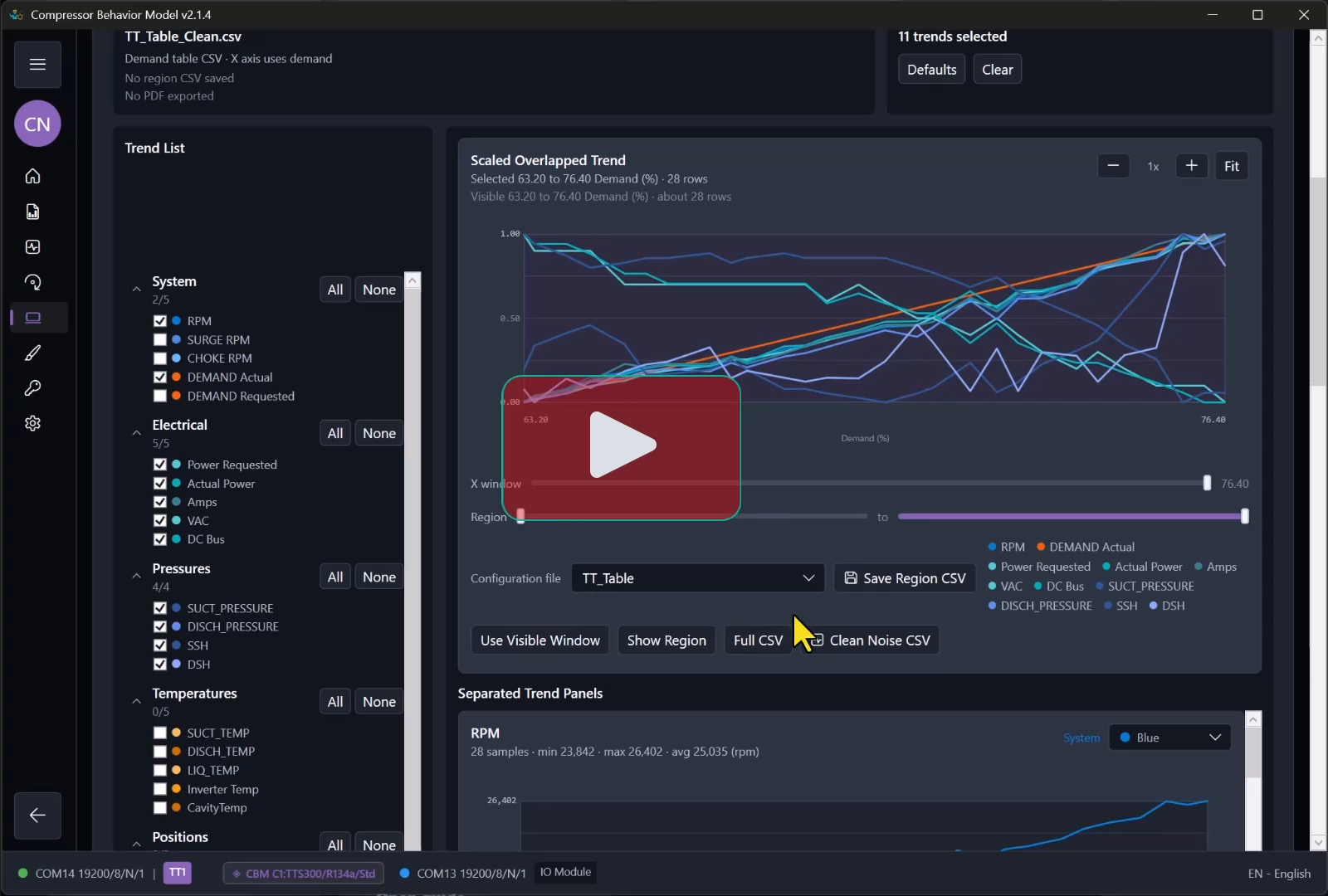 Published
Select and verify the compressor behavior used by the System project.
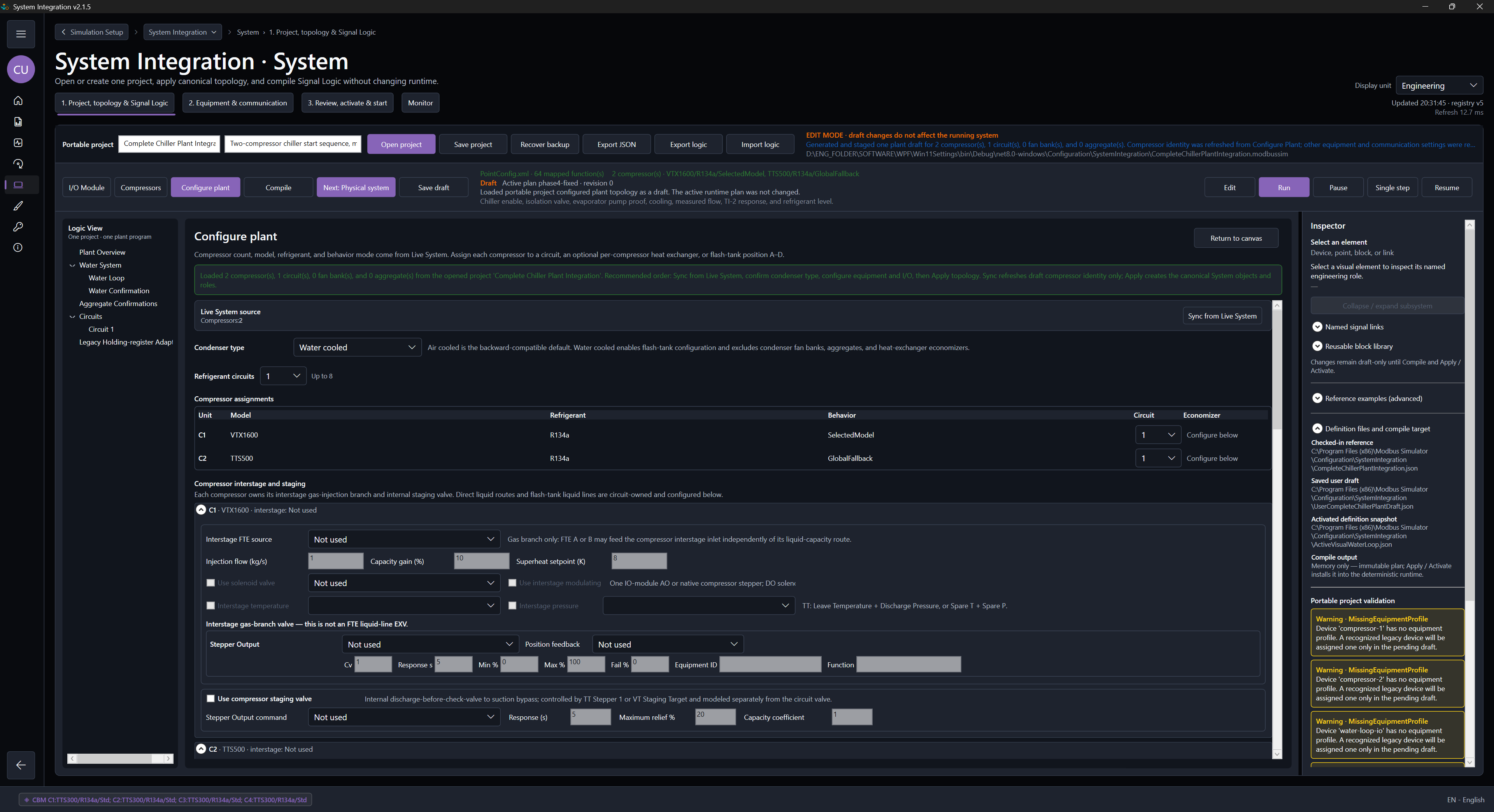 Planned
Compose compressors, circuits, water loops, and plant modules in System Integration.
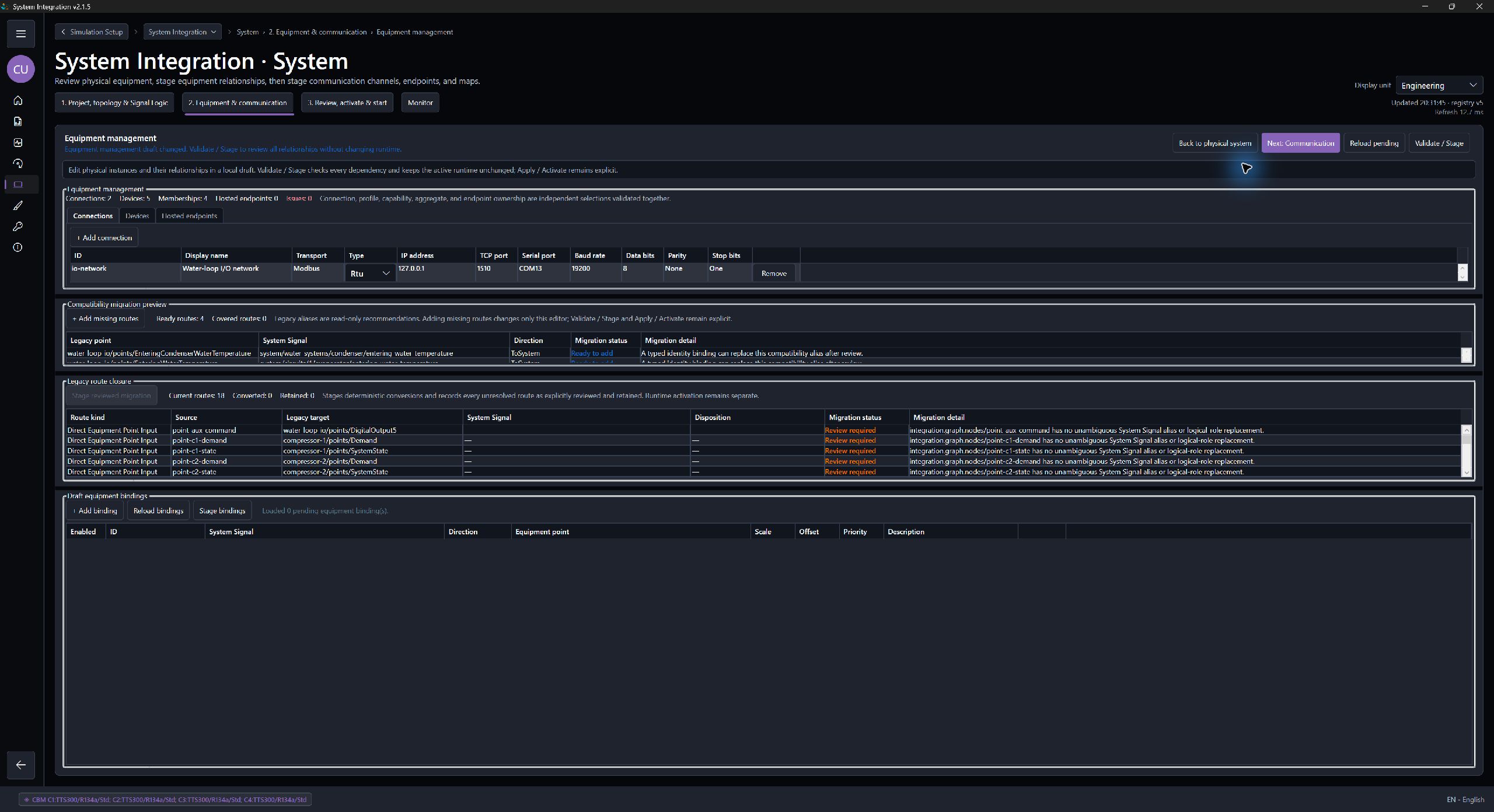 Planned
Map equipment, connections, and compressor-related engineering points.
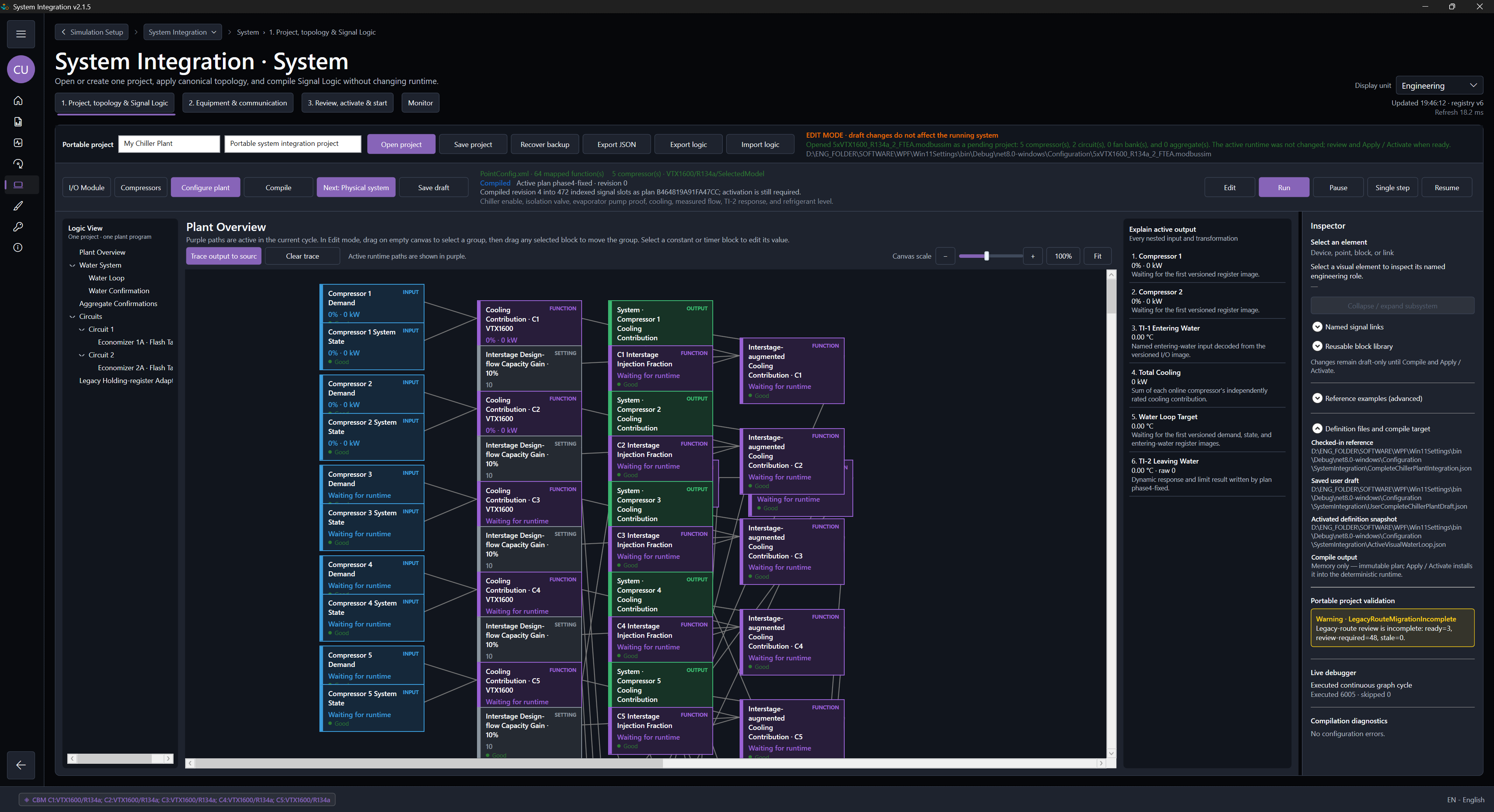 Planned
Review compiled signal paths, transformations, and output ownership.
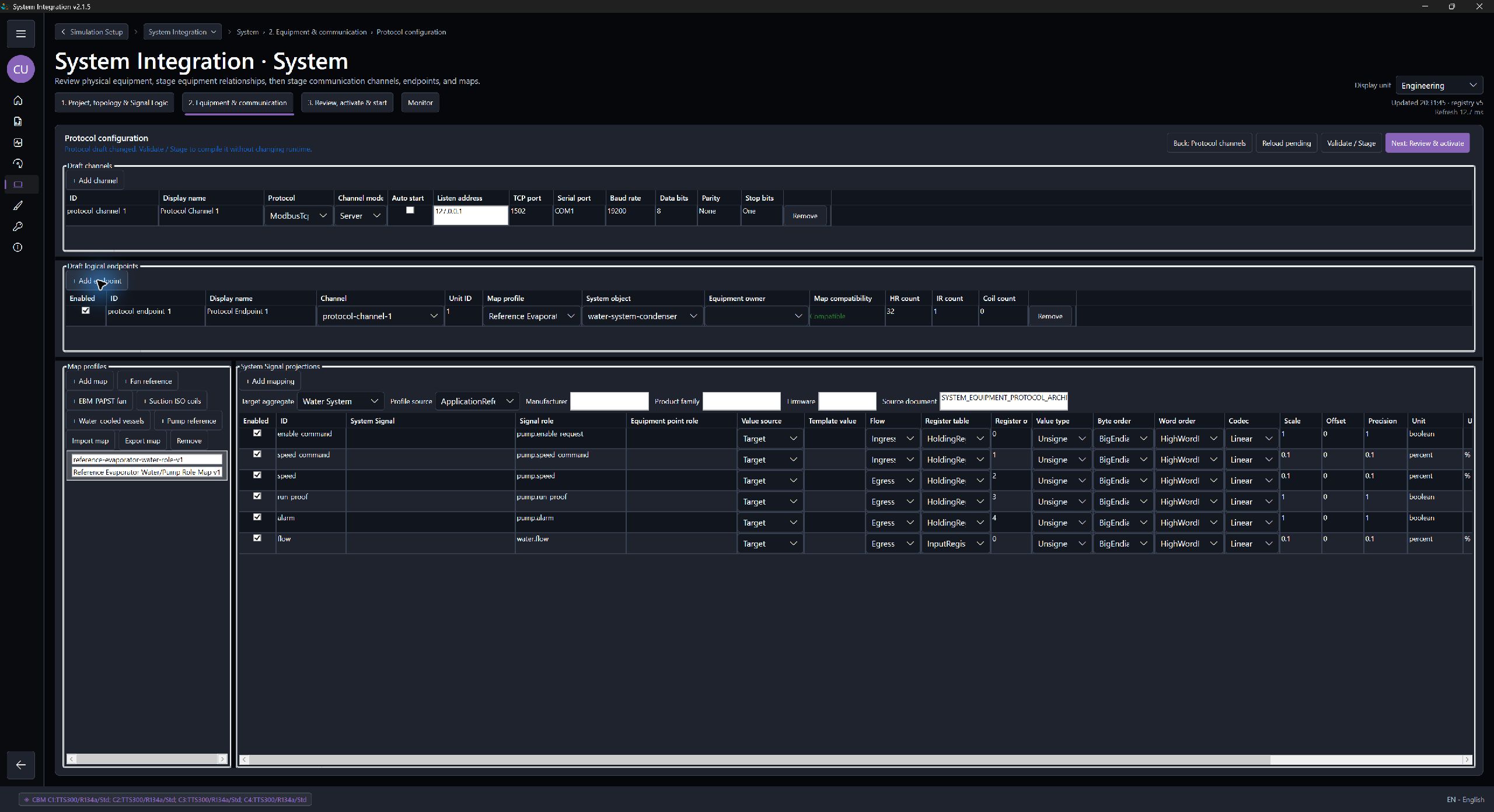 Planned
Set protocol channels, endpoints, Unit IDs, maps, and controller exchange.
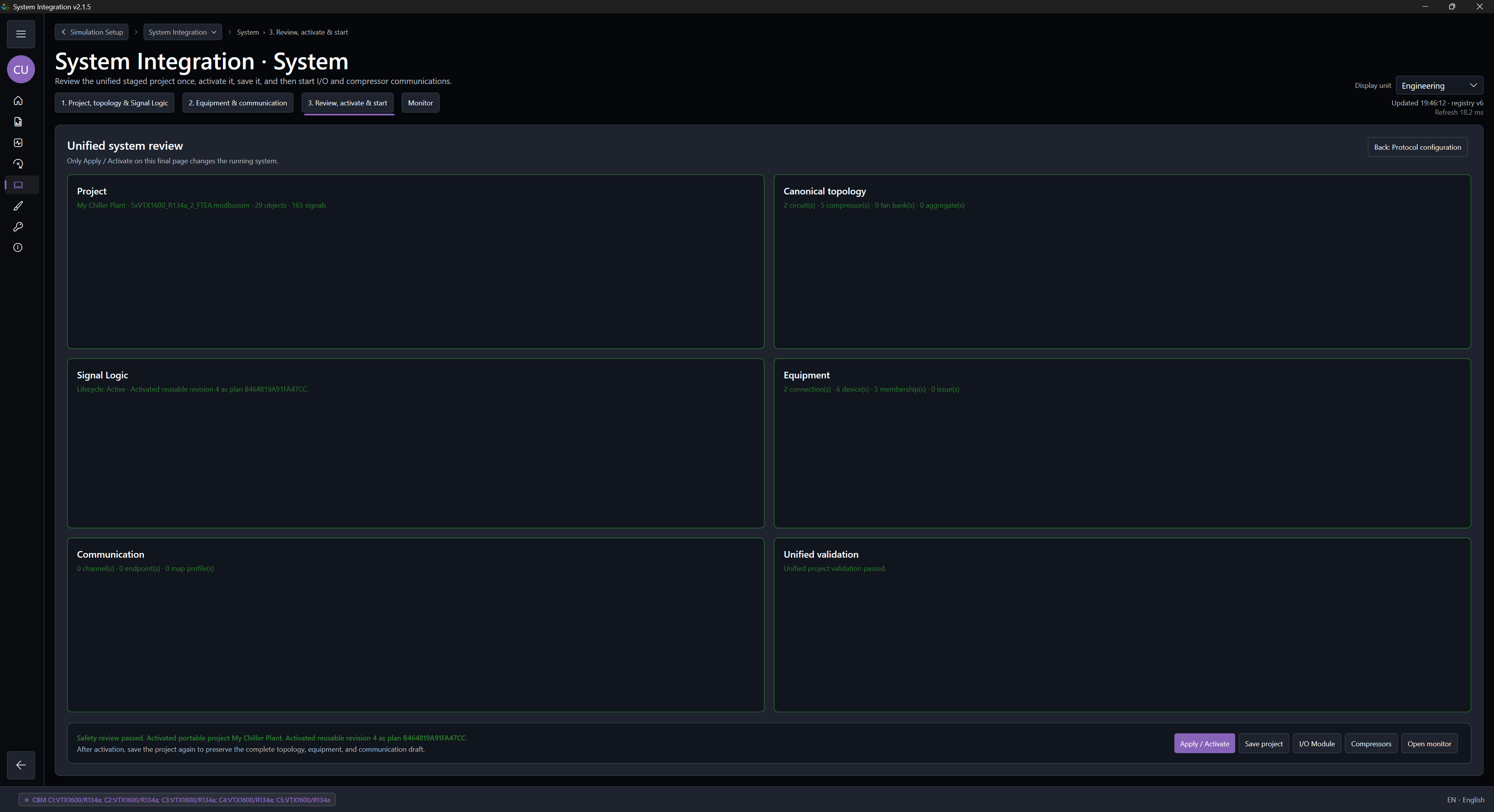 Planned
Apply topology, compile, review, and explicitly activate the intended project.
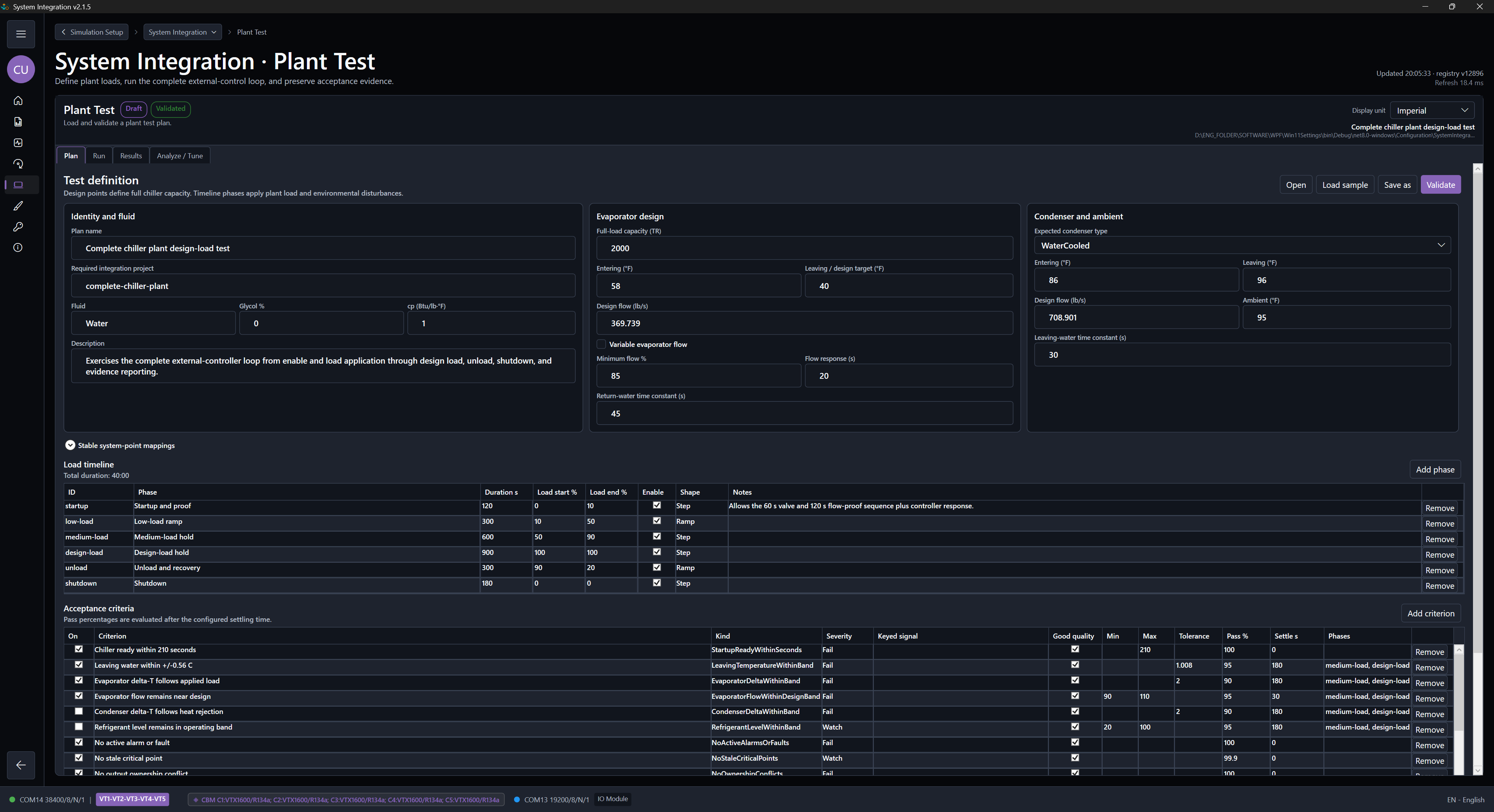 Planned
Use the inherited System design, then create the project scenario with timed phases, optional fault injections, and measurable acceptance criteria.
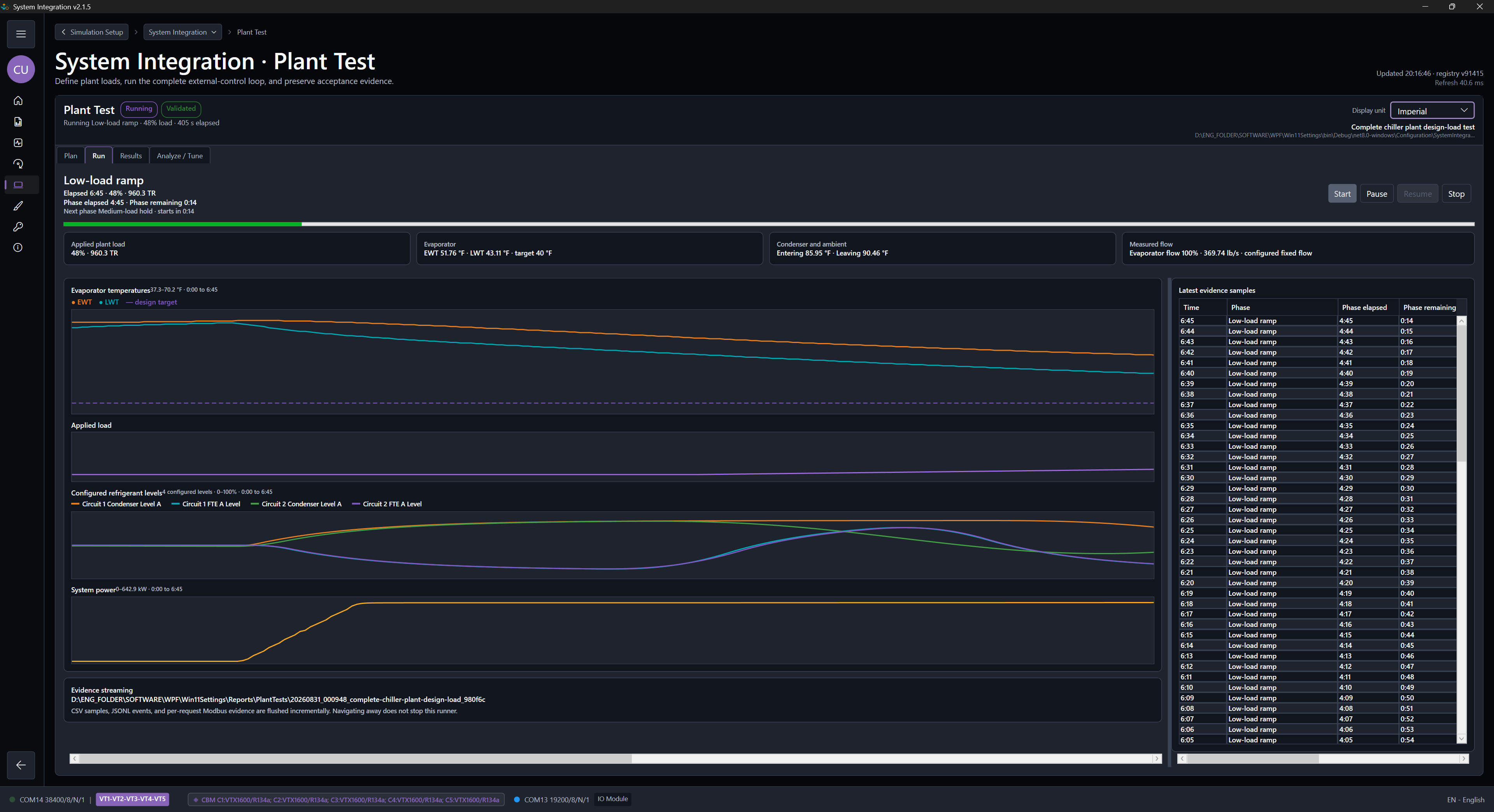 Planned
Execute deterministic phases and retain synchronized evidence.
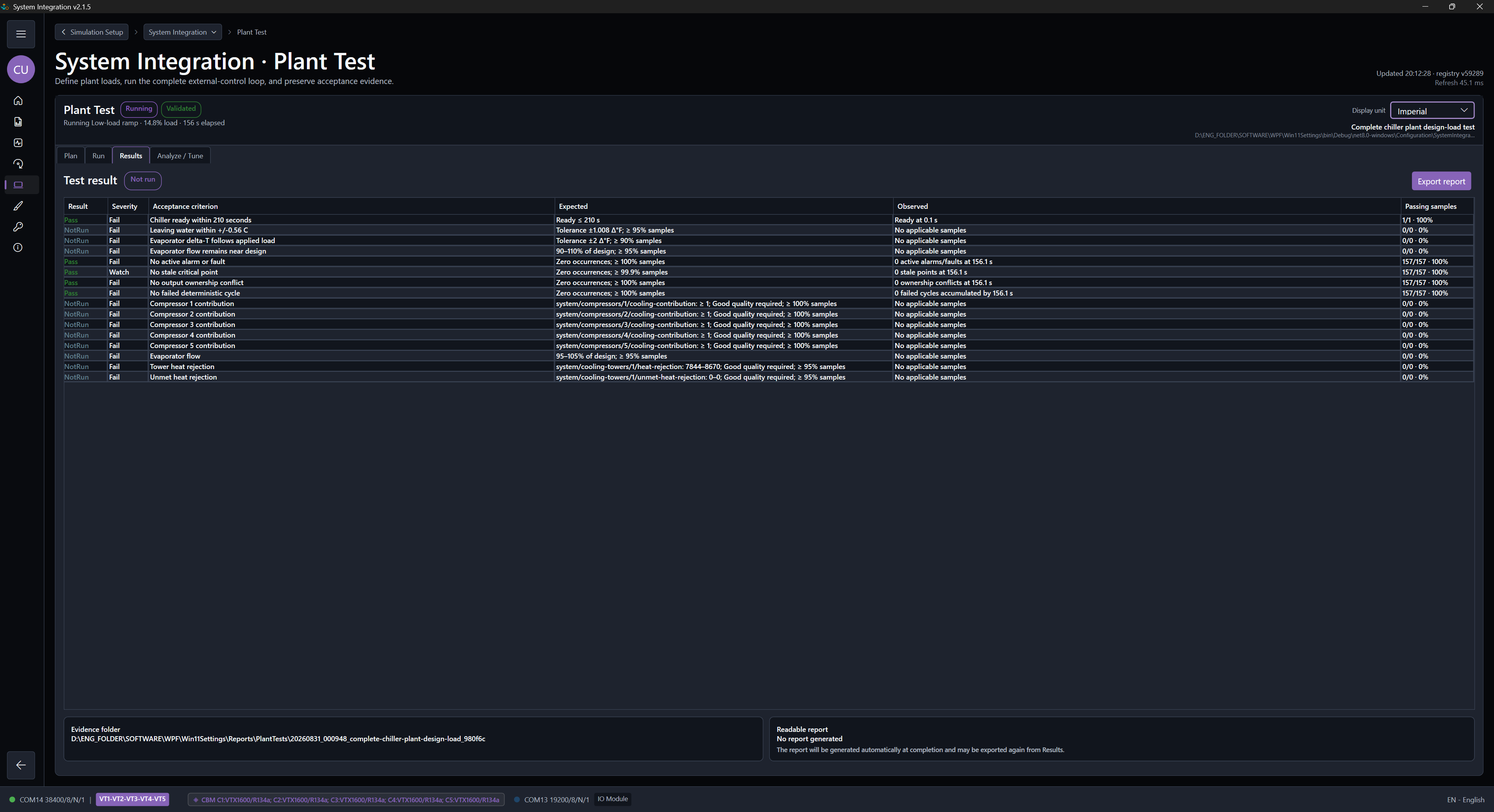 Planned
Review criterion outcomes, trends, events, and the exported report.
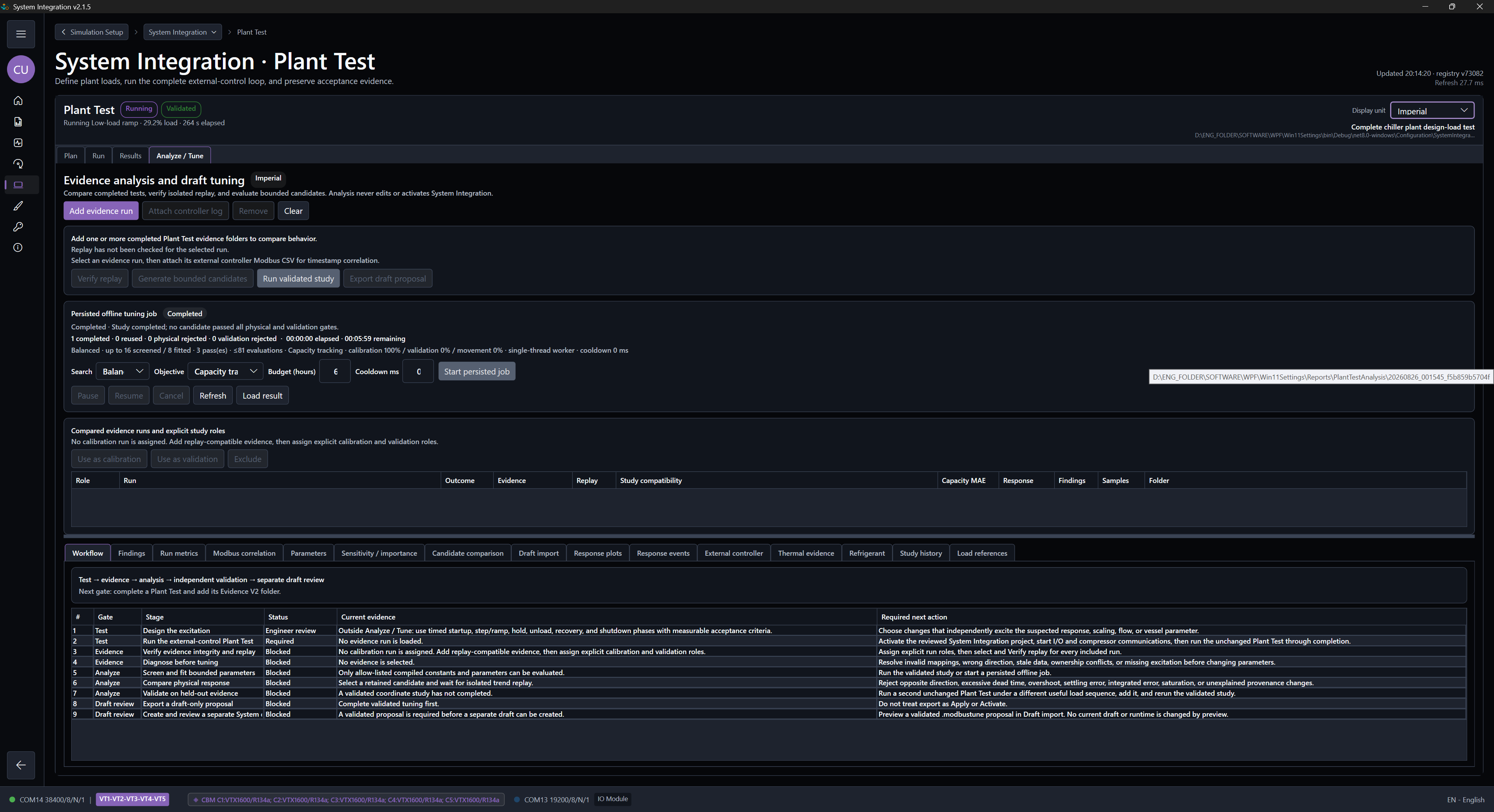 Planned
Compare bounded candidates and export an inactive tuning draft.
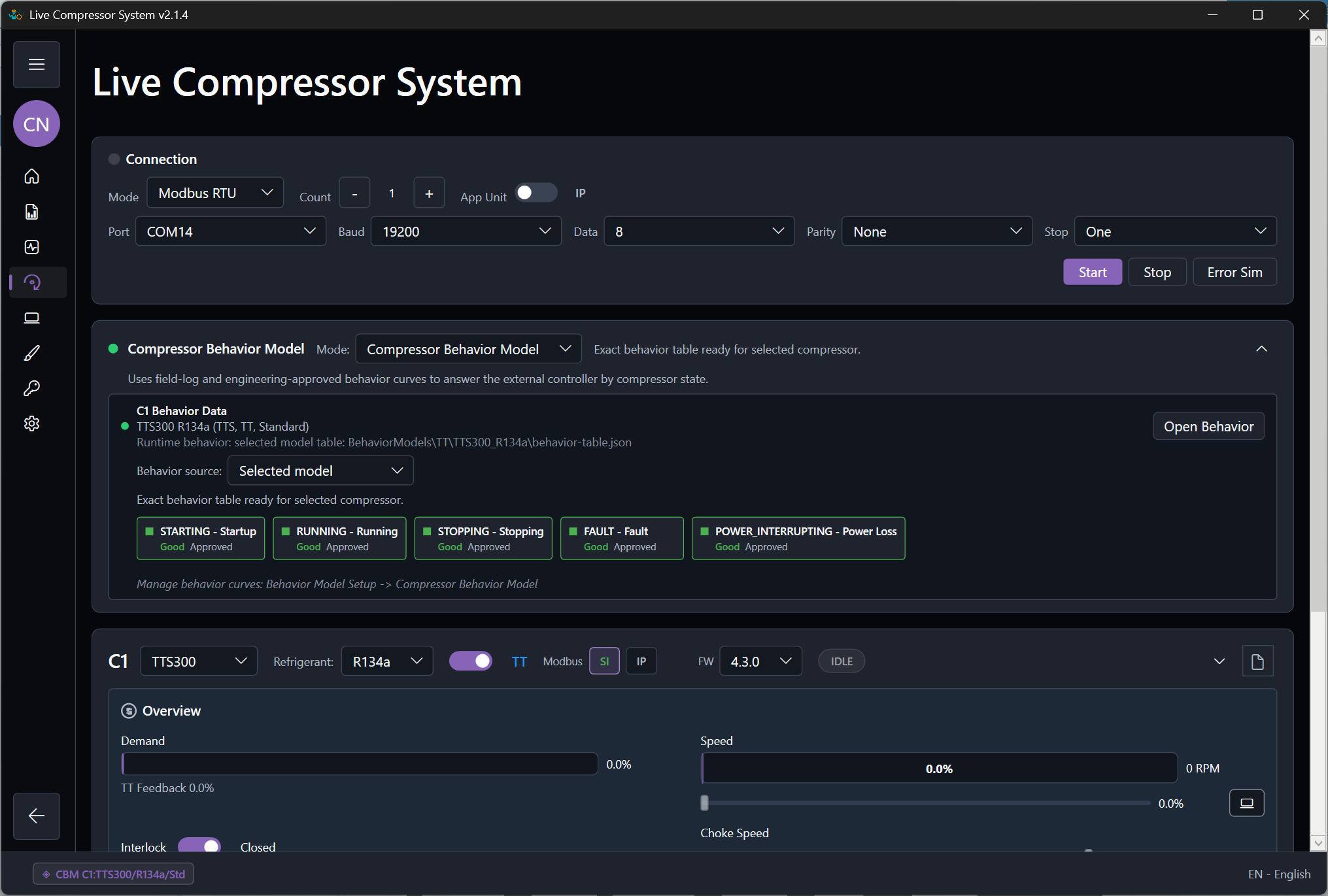 Planned
Send one .modbussim project, its Plant Test report and evidence, and the reproduction context together.
Use Quick Start for setup, Pricing for license choices, and Download for installer or trial requests.