Protect every approved project with its stored Plant Test scenario.
Repeat integration, simulation, and acceptance testing after code, topology, migration, behavior, or communication changes; each approved .modbussim project keeps its own Plant Test scenario.
Define each approved project baseline
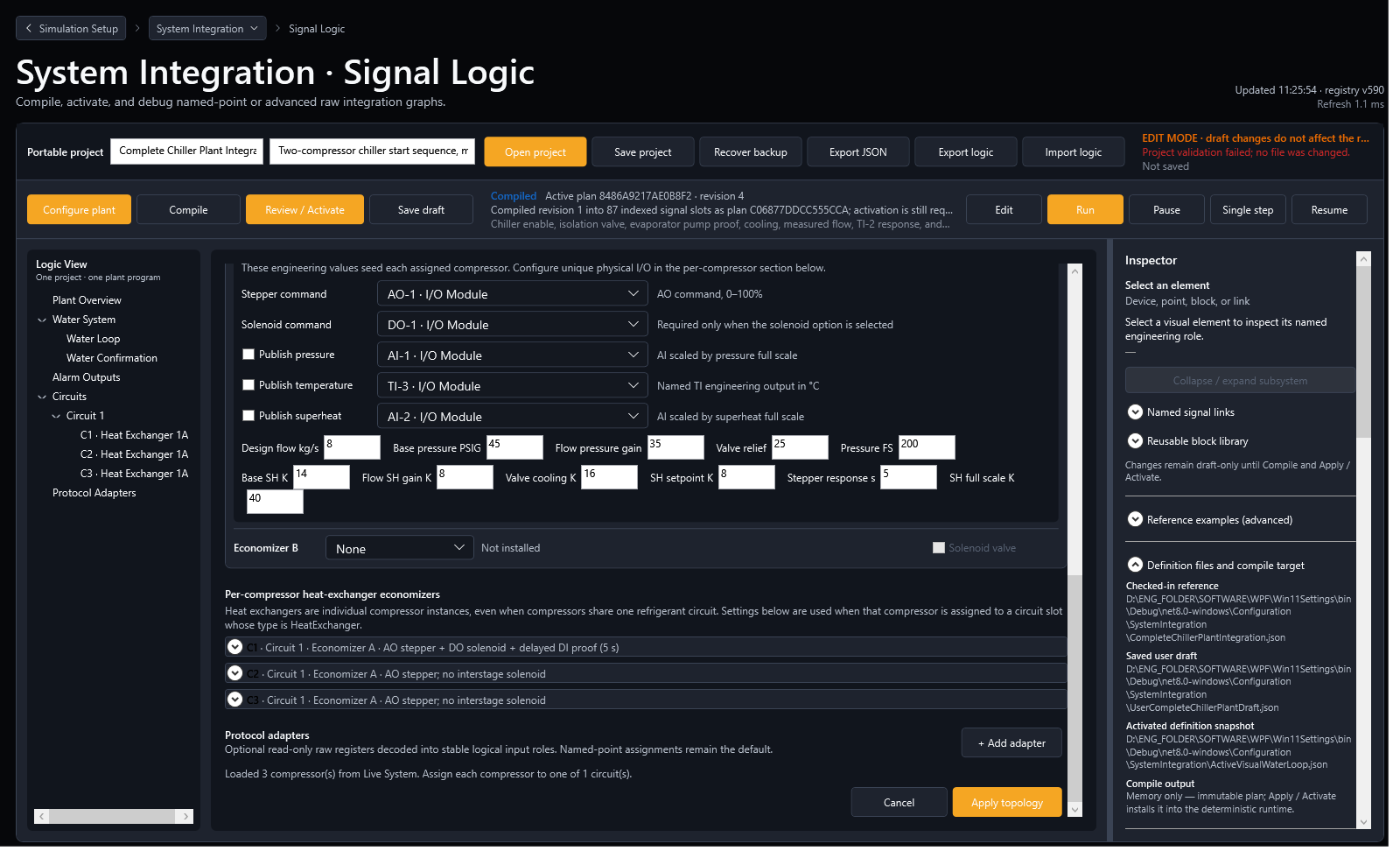
Record the application version, device inventory, .modbussim fingerprint, shared System design, compressor behavior, I/O map, expected ranges, and stored Plant Test scenario for every approved topology.
Run the stored test for every topology
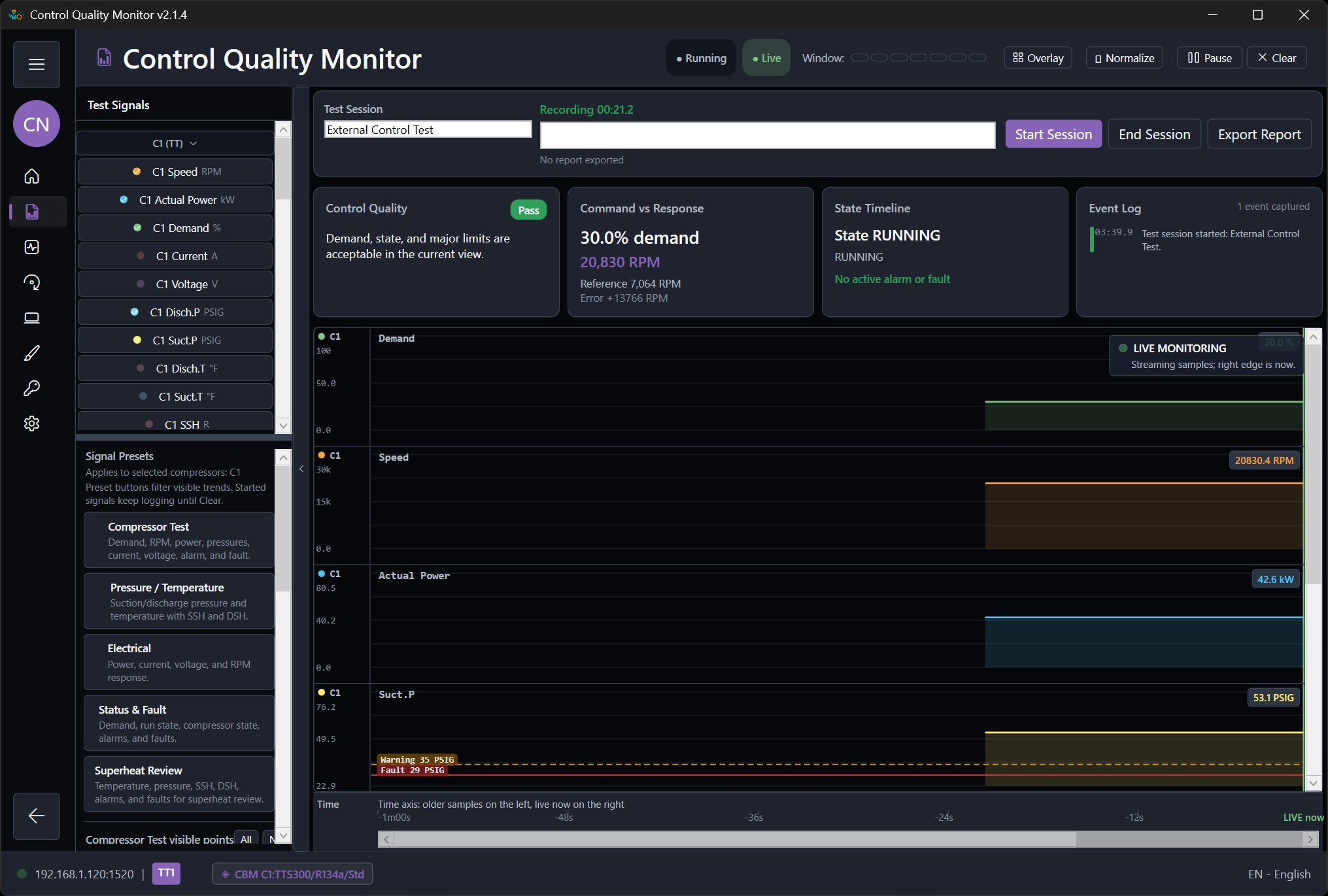
Activate the exact .modbussim revision and run its Plant Test through communication, startup, Step and Ramp load changes, water proof, economizers, alarms, faults, communication-error injection, resets, recovery, and stopping.
Preserve migration and acceptance evidence
Confirm a failed migration leaves the active project unchanged, then retain the final project, criterion outcomes, report, differences, approvals, and unresolved deviations.
Workflow screenshots
Use the localized application views while following this guide.