Quick Start guide for first launch and first connection. Quick Start is intended as the first page for new users after download.
Quick Start

Get from first launch to the first meaningful controller test.

This page is the practical start point after install. It should help the engineer confirm that the simulator is ready, choose the right mode, connect an external controller, and avoid wasting time on the wrong first test.

What this page should answer

Can I get the simulator communicating with the external controller quickly, and am I using the right mode for the first test?
  • Confirm the product is installed and launches correctly.
  • Verify the compressor family, connection path, and initial scenario.
  • Choose the mode that matches the current maturity of the behavior data.
  • Run the first communication check without pretending the model is already final.

Minimum first-launch checklist

  • Confirm the application opens normally on the target Windows system.
  • Set the correct compressor type and project layout.
  • Confirm Modbus TCP or RTU communication settings.
  • Check whether the active scenario should start with the behavior model, replay mode, or basic calculated mode.
  • Keep the monitor visible if you want to judge the first controller reaction.

Ready dashboard and connection views

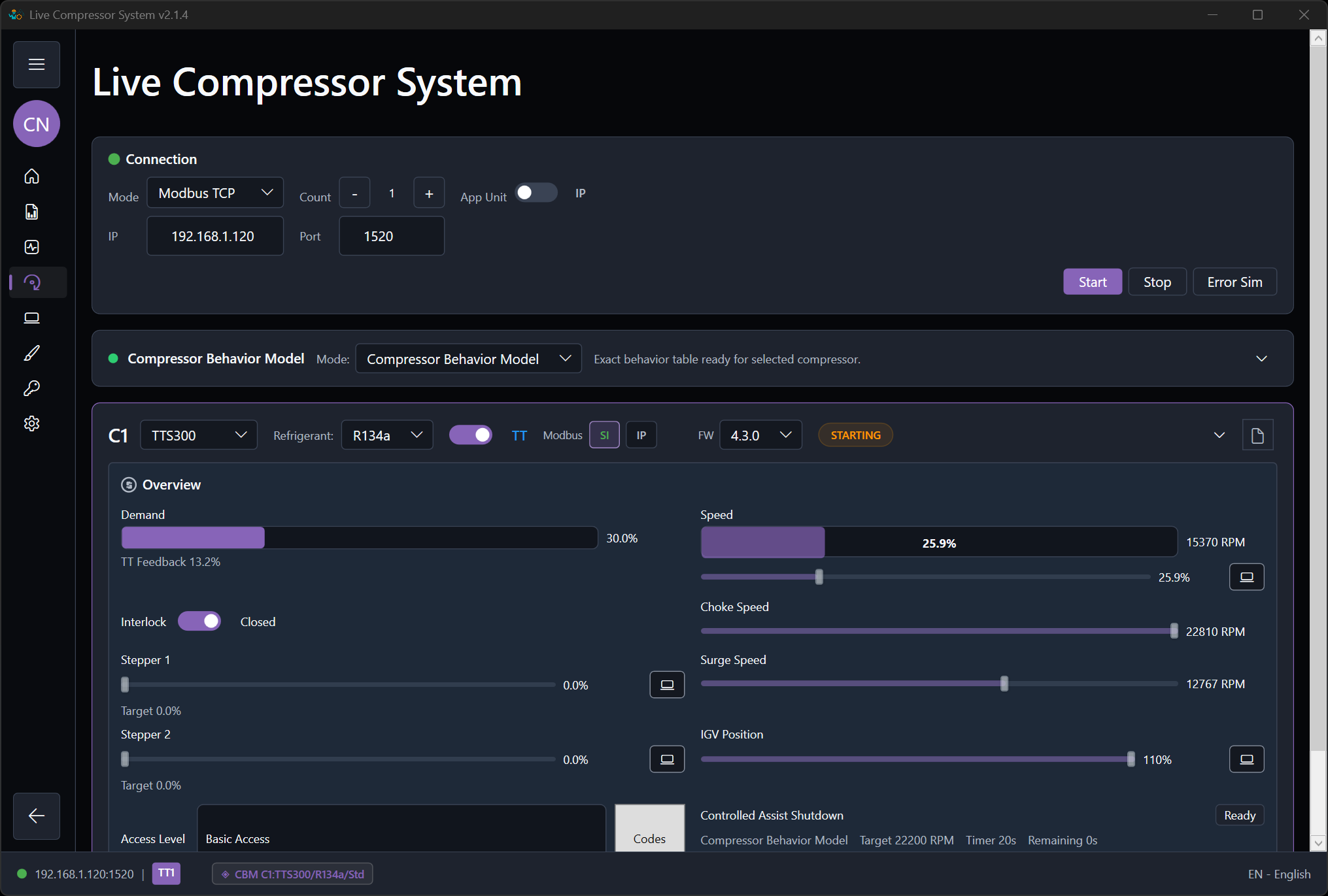
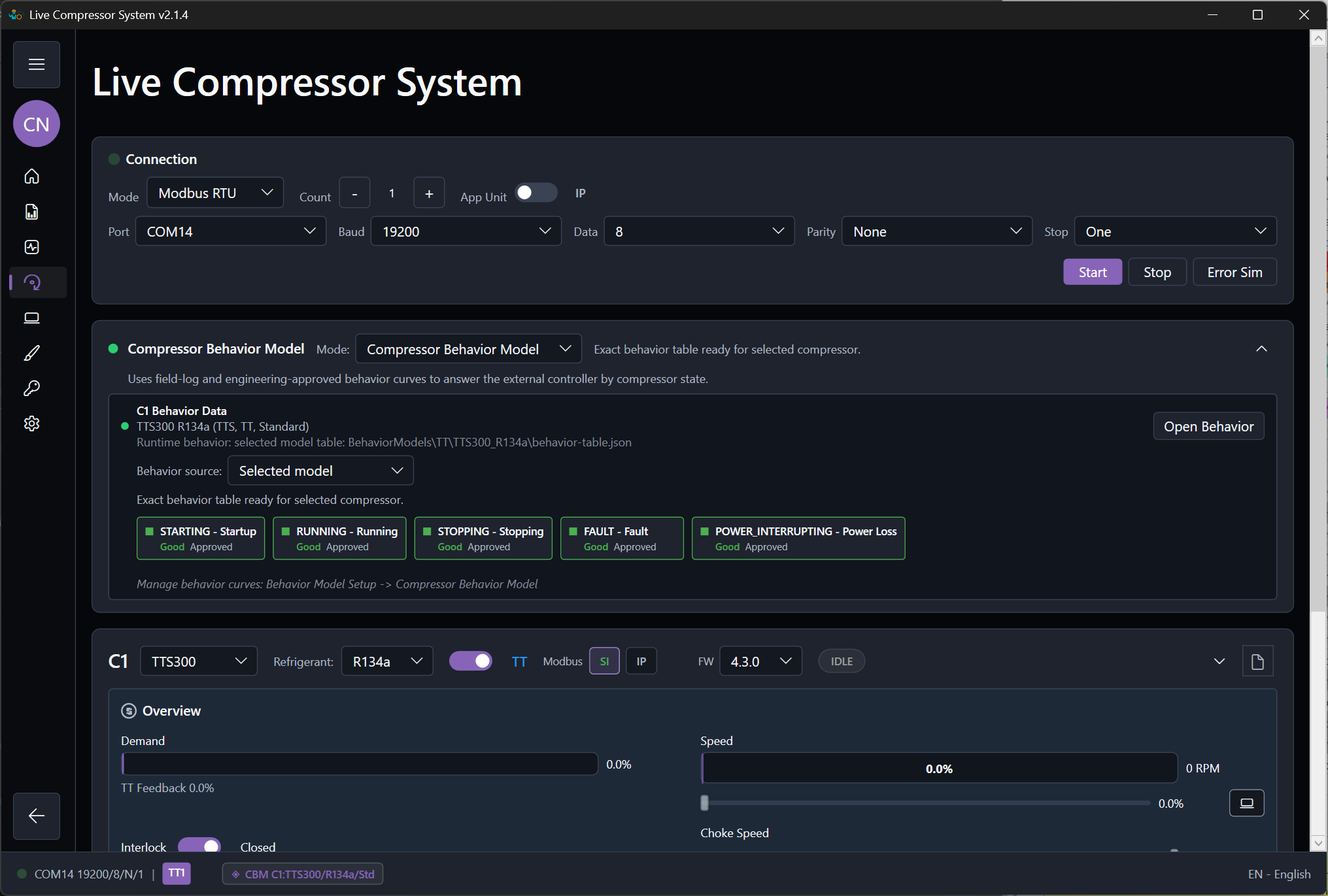
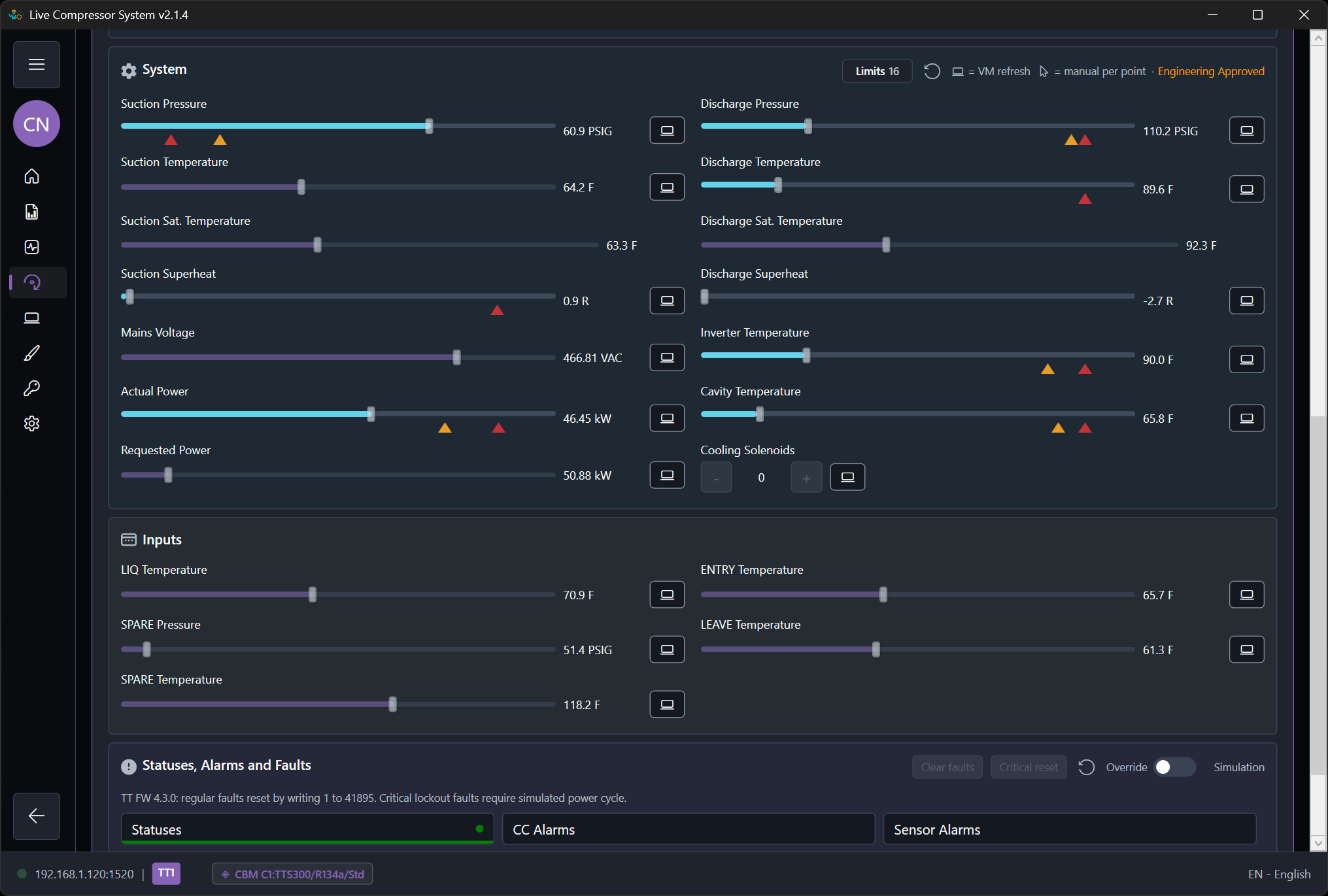
The approved screenshots show the target first-use state: a ready dashboard plus the two communication setup paths.

ModbusSim test dashboard in a ready state after Modbus is configured.
Test dashboard ready state after the connection details are prepared.
Modbus TCP settings in ModbusSim with the server ready to run.
TCP setup before connecting an external controller or test client.
Modbus RTU settings in ModbusSim with serial configuration visible.
RTU setup with serial configuration visible for adapter-based testing.

Mode choice for the first session

Use Basic Calculated Model when

You only need the controller to see live values immediately and the main goal is first connection confirmation or coarse troubleshooting.

Use Compressor Behavior Model when

You already have enough field-log and engineer-estimated inputs to run a meaningful engineering scenario.

Use Machine Log Replay when

You want the controller or monitor to see one known recorded event exactly as captured.

Recommended first session

  1. Open the test dashboard and confirm the active compressor type, compressor count, and connection details.
  2. Start Modbus communication and confirm that the controller can see the simulator.
  3. Select a simple first scenario instead of a full protection edge case.
  4. Watch the first response in the Control Quality Monitor.
  5. Only after the first session succeeds, move to behavior-model tuning or deeper scenario work.

What ready-to-test means

  • Compressor type and refrigerant are correct.
  • The right main mode is selected for the question being tested.
  • The engineer can state what “success” means before starting the run.
  • Documentation and report capture are ready if the result should be kept.

Related guides