Engineering workflow guide for choosing the right test path. This page should stay near the top of the documentation set.
Engineering Workflow

Keep the tool focused on the engineering question, not on UI exploration.

The main workflow should help the engineer answer one question: did the external control system command the compressor system correctly, and did the simulated compressor answer the way the target system should answer?

Recommended daily workflow

  1. Open the test dashboard and confirm compressor count, connection, and active mode.
  2. Open the live compressor system and verify compressor type, model, refrigerant, and connection path.
  3. Open behavior setup and confirm that the behavior model is ready for the scenario you want to test.
  4. Start the external controller and apply the test demand or scenario.
  5. Watch the Control Quality Monitor for command, response, transitions, warnings, and faults.
  6. End the session and export a report if the run should be kept as evidence.
  7. Adjust behavior points only after you can state what engineering behavior needs correction.

Which mode to use

Compressor Behavior Model

Use this as the default mode for engineering validation. It is the right choice when you want full-capacity testing beyond the limits of a single recorded log, realistic state transitions, editable estimated curves, and repeatable control-quality testing.

Machine Log Replay

Use this when you want one recorded event replayed exactly. It is best for comparison against a known machine recording, proving that a specific log can be replayed, and baseline or regression checks.

Basic Calculated Model

Use this for first communication checks and coarse troubleshooting. It is useful when the controller must see live Modbus values immediately, but it should not be treated as the final realism target.

What the HVAC engineer should look at

  • Did the compressor start when expected?
  • Did RPM, power, pressure, and temperature move in a plausible order?
  • Did suction and discharge superheat approach the expected limits?
  • Did warnings appear before faults?
  • Did the fault clear path behave correctly after reset?
  • Did the controller recover correctly after the event?

Minimum ready-to-test check

  • Compressor type and model are correct.
  • Refrigerant is correct.
  • Main behavior mode is selected correctly.
  • Startup, running, and stopping curves are available.
  • Key protection limits are visible and believable.
  • Session and report workflow are ready if evidence is needed.

Good practice

  • Use field logs where they exist.
  • Use engineer-estimated curves where logs are incomplete.
  • Tune one scenario at a time.
  • Export reports after each meaningful run.
  • Keep the simulator focused on compressor/system behavior, not UI-level manual editing alone.

Workflow screenshots

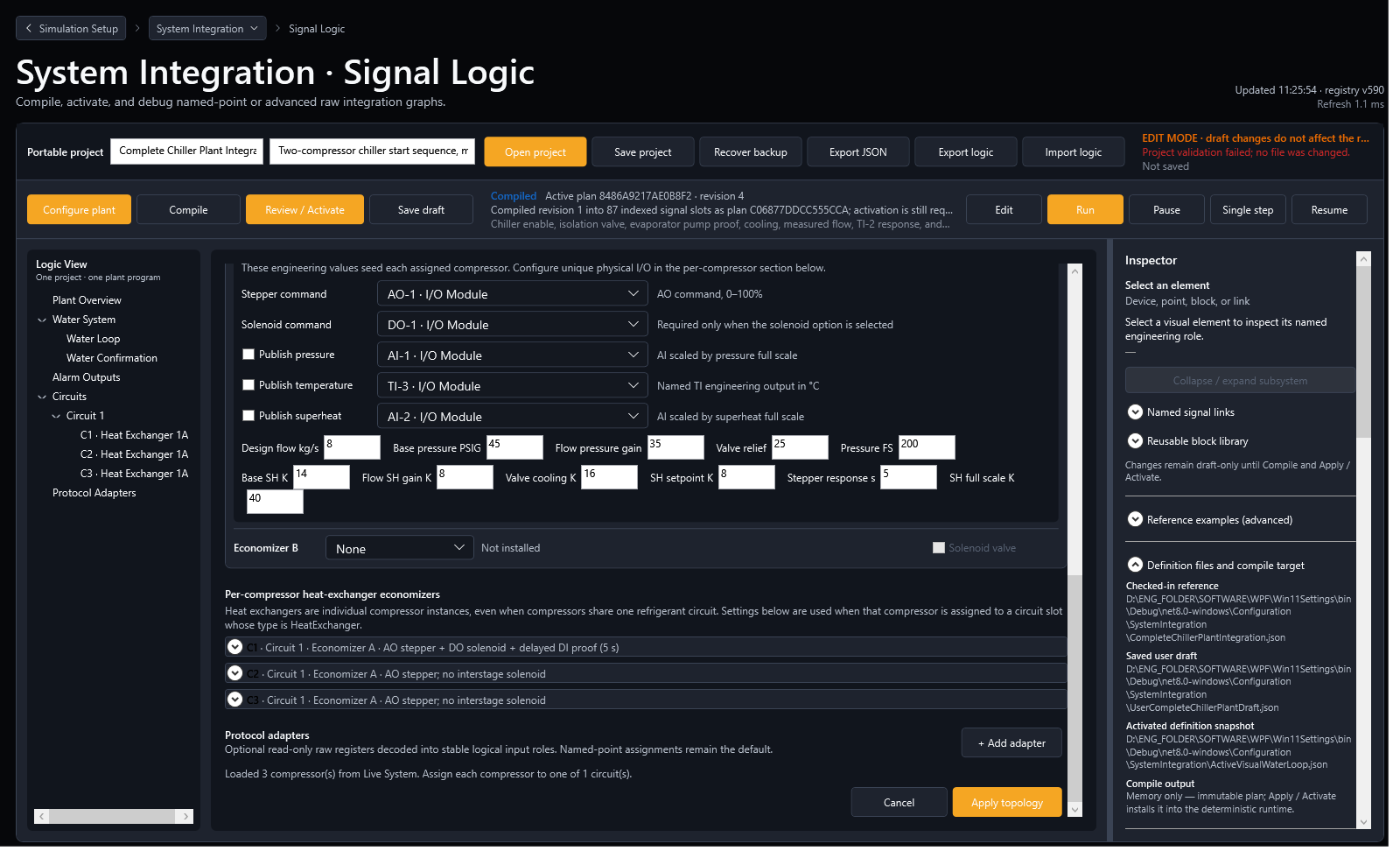
ModbusSim test dashboard ready for a controller test workflow.
Start from a ready dashboard with the selected compressor setup visible.
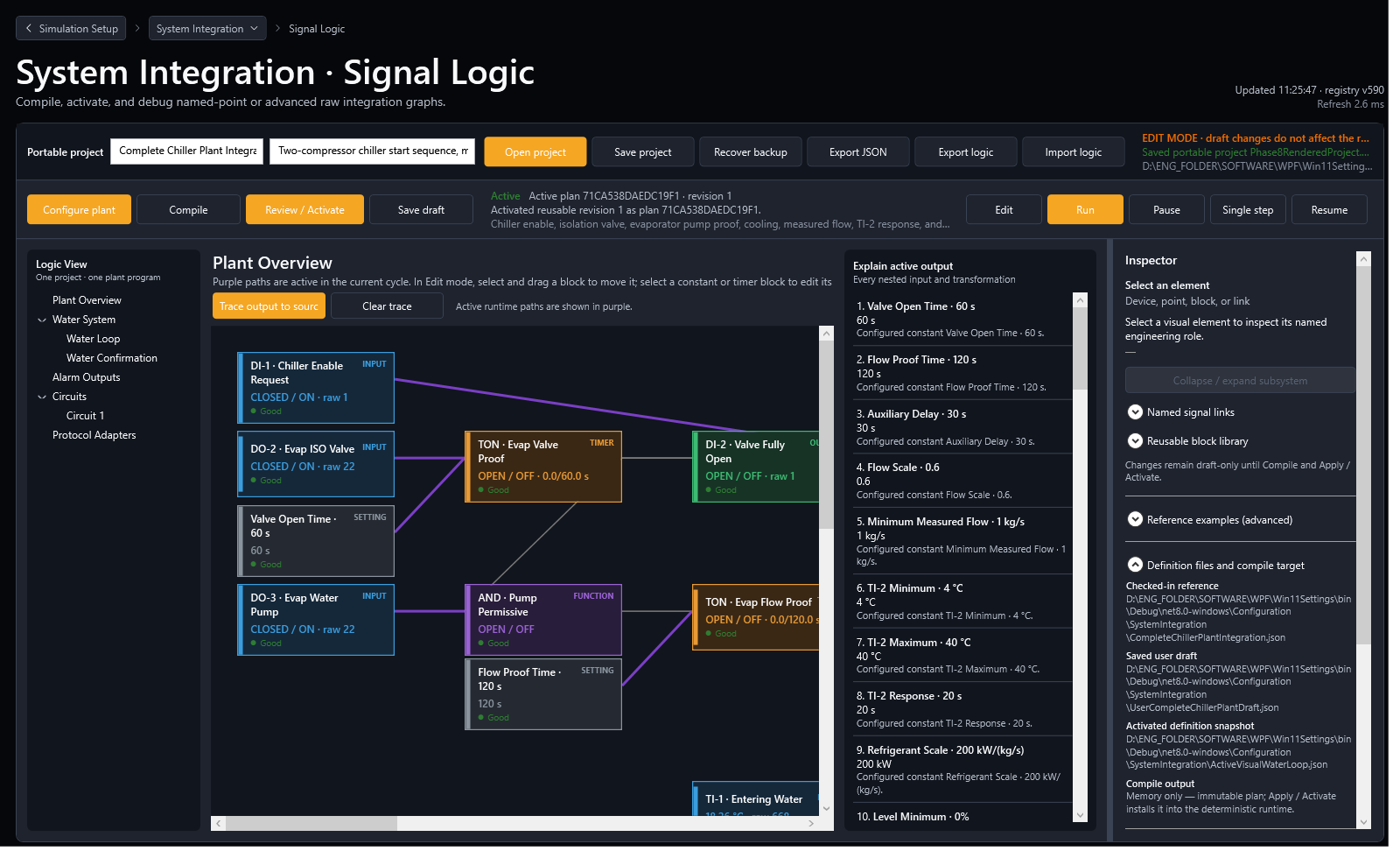
ModbusSim behavior setup workflow screen for compressor behavior modeling.
Confirm behavior setup before applying the controller scenario.
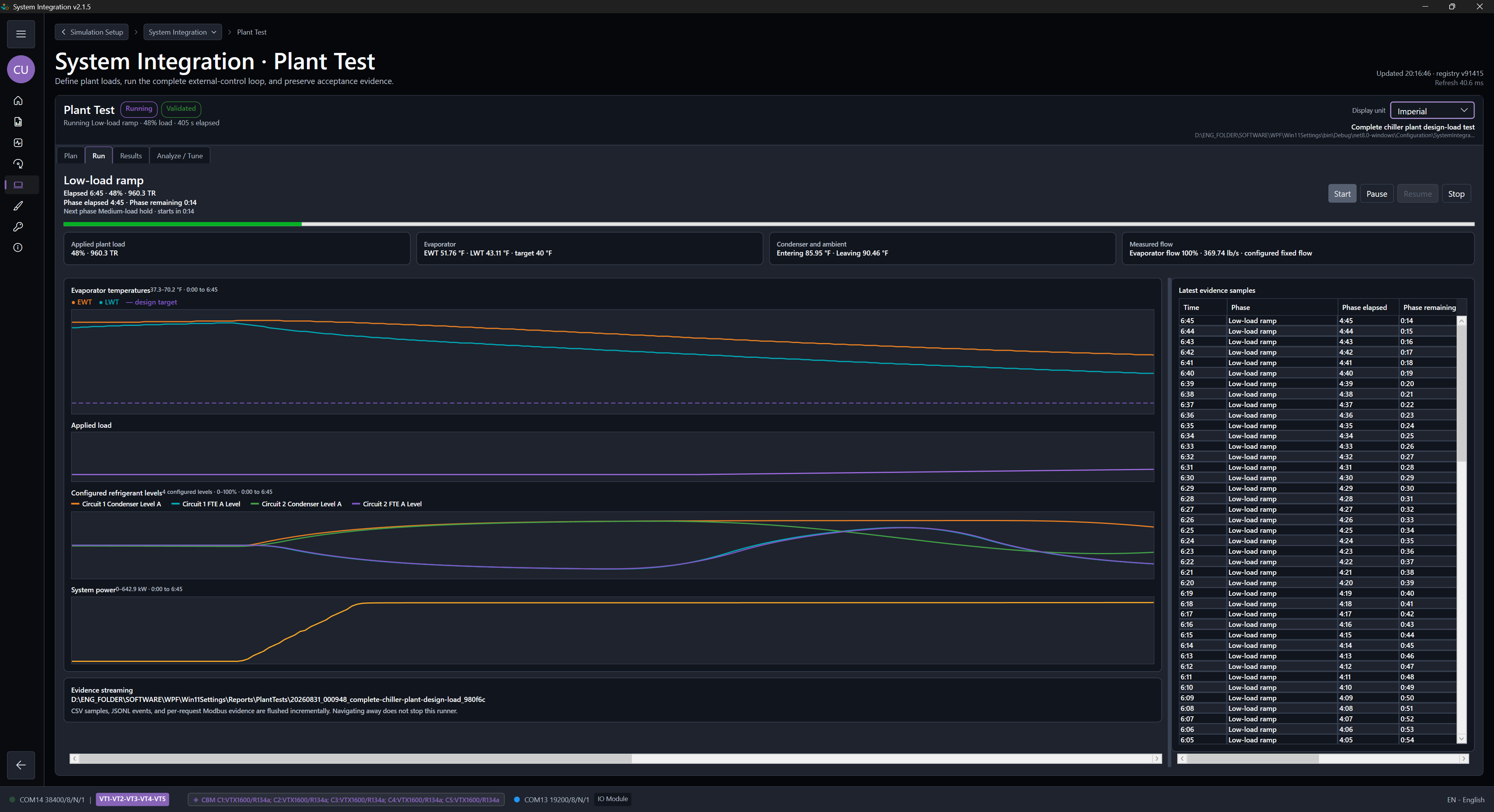
ModbusSim Control Quality Monitor used during an engineering workflow.
Use the monitor to review command, response, warnings, faults, and timing.
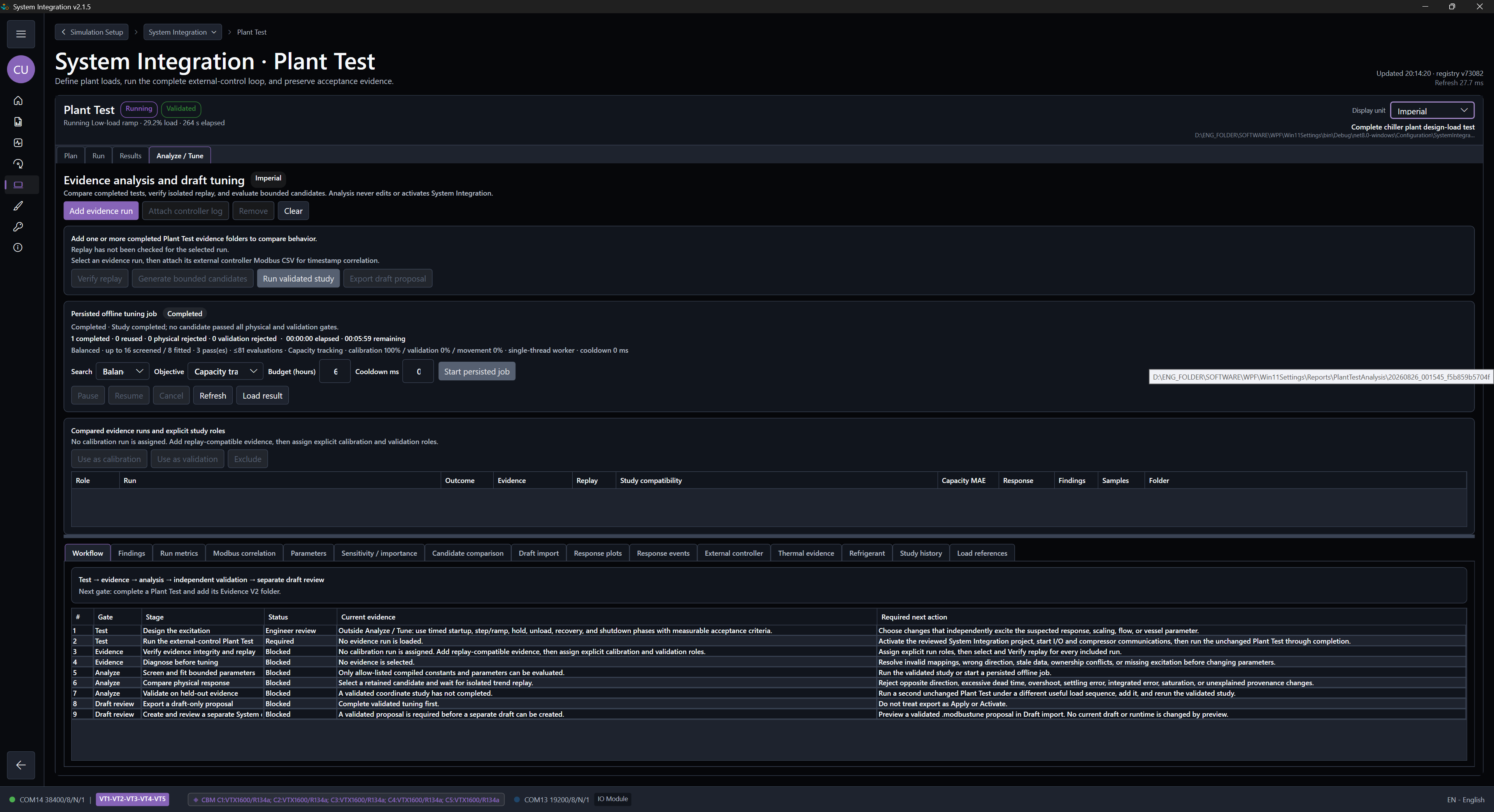
ModbusSim report export screen at the end of an engineering workflow.
Export a report after a meaningful run that should be kept as evidence.