Field logs where available. Engineer curves where needed.
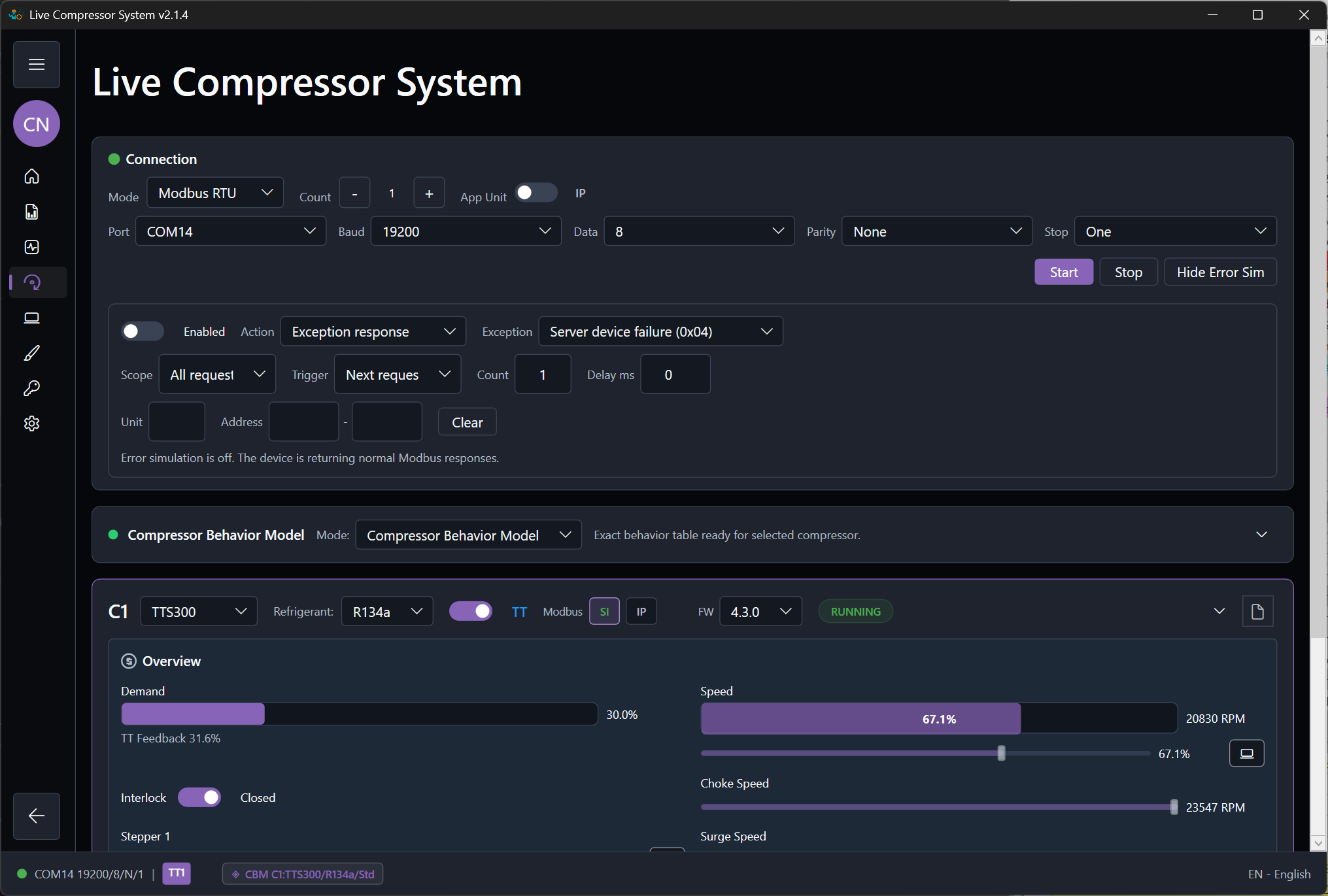
The behavior model is the main engineering surface of the application. It should let an HVAC engineer define how the compressor system should answer an external controller across startup, running, shutdown, warning, fault, and recovery conditions.
What realistic means in this product
Realistic does not mean pure math only, and it does not mean replay one real log only. Realistic means the response matches known field behavior where logs exist, missing ranges are completed by engineer-estimated curves where logs do not exist, and the resulting pressures, temperatures, speeds, power, warnings, and fault timing are believable to an HVAC engineer.
The best practical model is usually a combination of field-log evidence and engineer-estimated completion.
Behavior input types
Field log
- Use field logs for startup and shutdown timing.
- Use field logs for running points at known capacities.
- Use field logs for actual pressure and temperature relationships.
- Use field logs for observed warnings and faults when they exist.
Engineer estimated
- Use estimated curves when the machine cannot safely be driven through all capacities.
- Use them when no complete fault or power-loss log exists.
- Use them when startup or shutdown was logged poorly.
- Use them when the available log does not cover the required controller-test range.
Recommended mode priority
- Compressor Behavior Model
- Machine Log Replay
- Basic Calculated Model
The behavior model supports realistic testing over a wider engineering range. Replay mode is exact but narrow. Calculated mode is useful but incomplete.
Practical modeling workflow
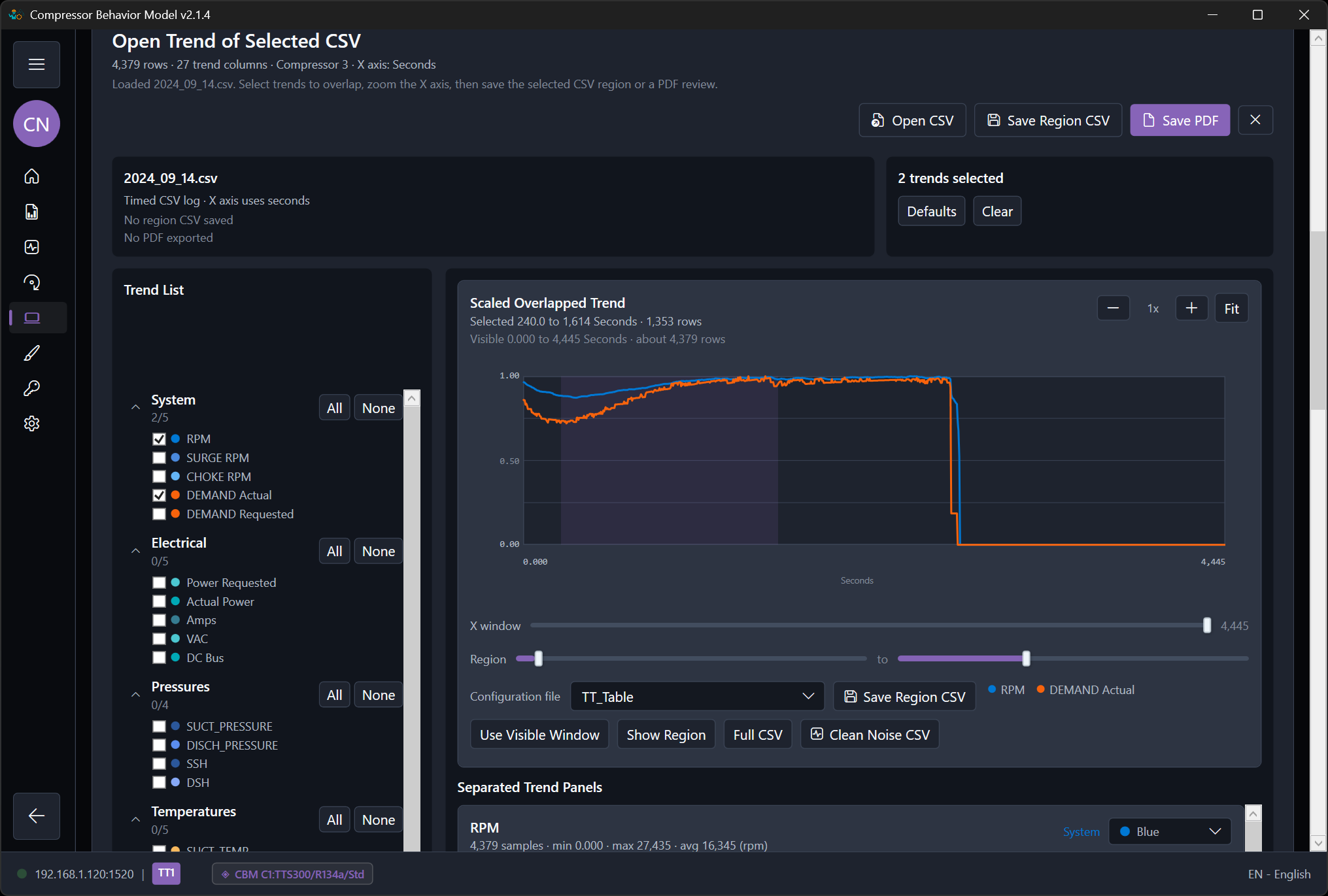
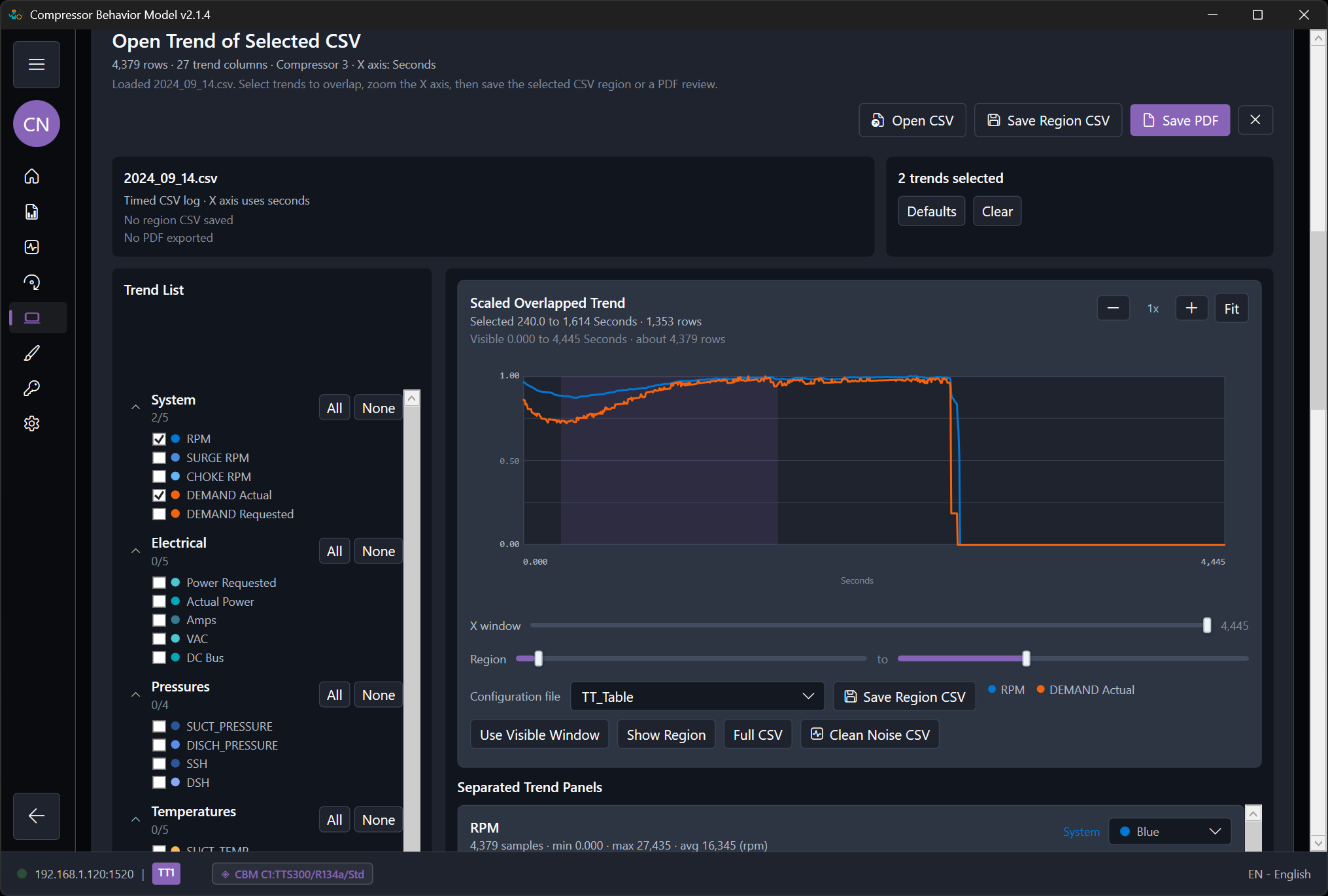
- Load or confirm the active TT or VT trained tables.
- Check startup, running, and stopping coverage first.
- Review suction pressure, discharge pressure, suction temperature, discharge temperature, suction superheat, and discharge superheat.
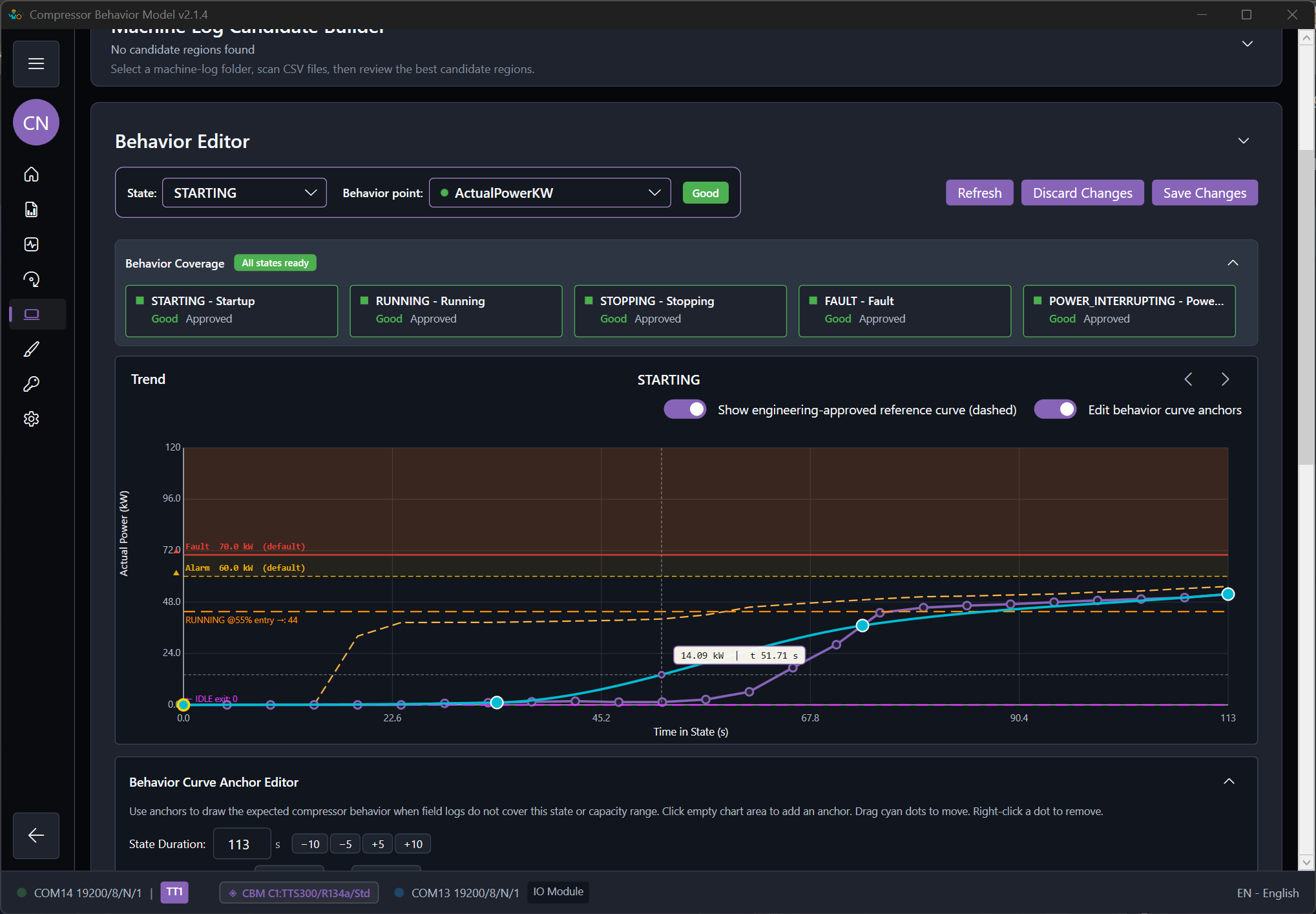
- Add engineer-estimated points where the logs do not cover the required range.
- Confirm warning and fault limits on the same variables that drive the protection logic.
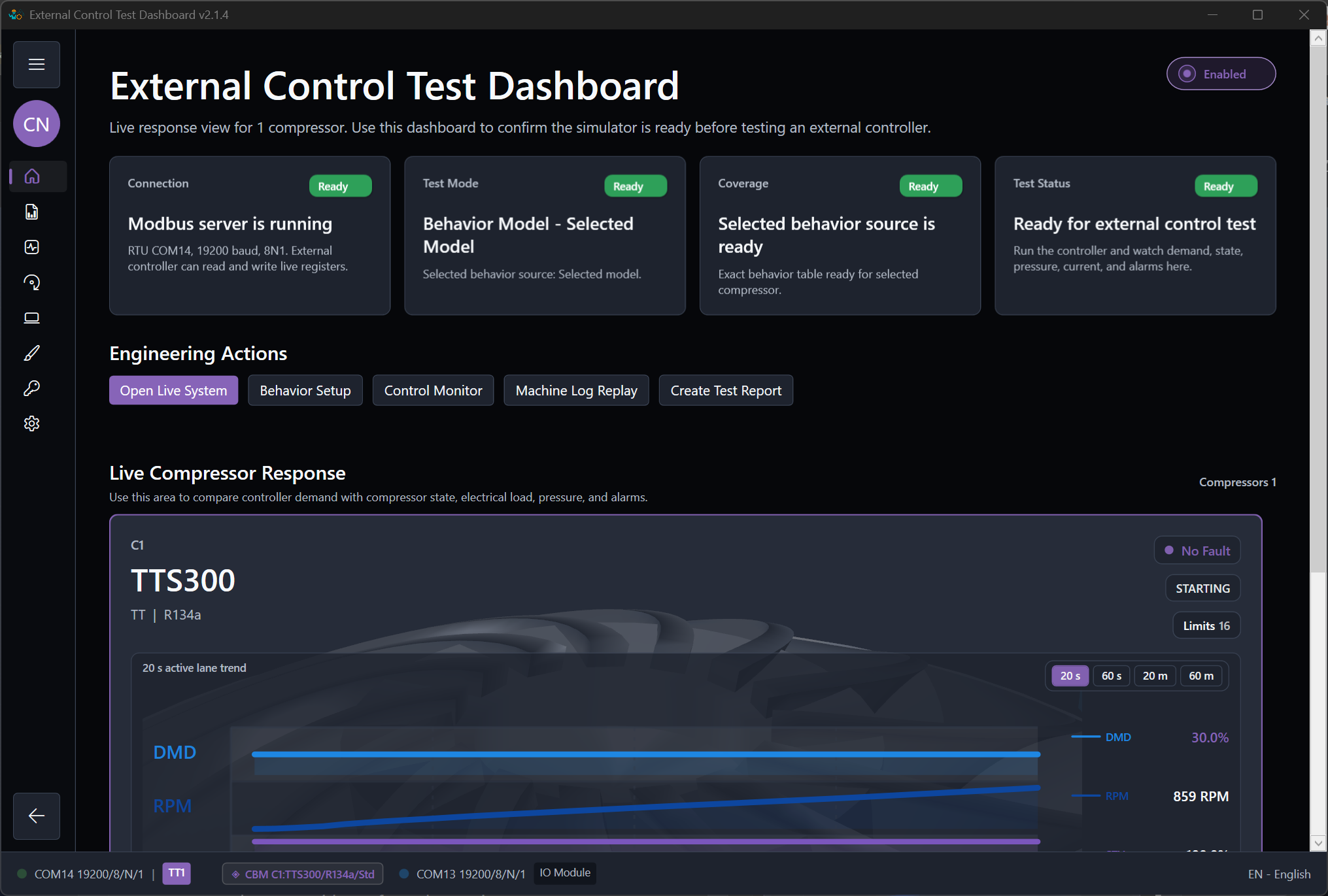
- Run the external control application and observe the result in the monitor.
- Export a report and adjust again only where the result was not believable.
What to tune first
TT and VT startup
- Time to spin
- RPM rise shape
- Power rise
- Pressure movement and transition into running
Running and protection
- Low, medium, and high demand response
- Stable pressure and temperature trends
- Believable power and current
- Warning before fault and correct reset path
Acceptance checklist
- The engineer understands which states are covered.
- The expected operating range is visible.
- The key limits are visible.
- The controller can be tested without relying on guesswork during the run.